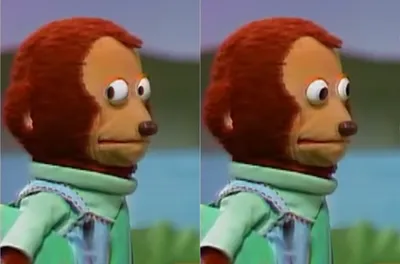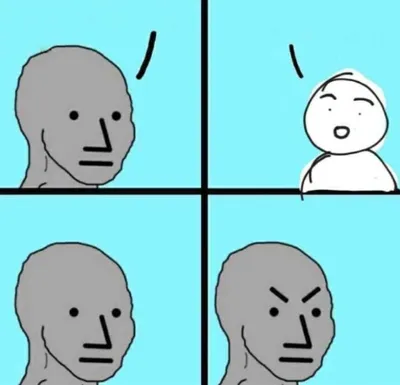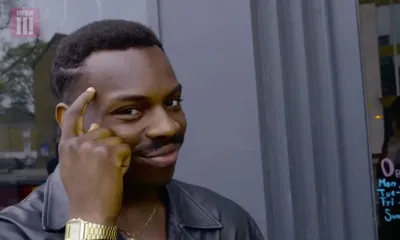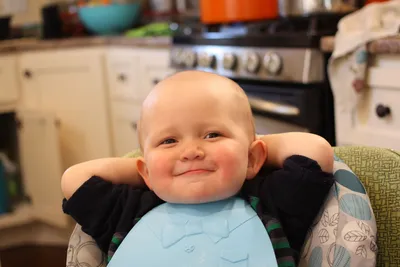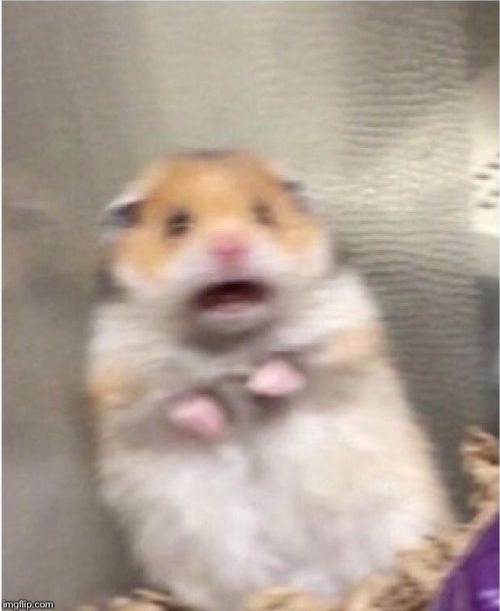
Caption the Scared Hamster Meme Template
Scared Hamster features a close-up shot of a hamster with wide, startled eyes staring directly into the camera, perfectly conveying sudden panic or dread. It is used as a reaction image for moments of unexpected bad news, realization of a mistake, or being caught off guard.
Caption this template- Category
- Reaction Face Meme Templates
- Size
- 500 x 611 px
- Format
- Image
- Price
- Free, no sign up
Where the Scared Hamster meme comes from
The video clip of the startled hamster originated on social media platforms, likely TikTok or Instagram, and the freeze-frame of its wide-eyed expression was quickly isolated as a reaction GIF and still. The exact original video source is not definitively documented but spread virally in the early 2020s.
How to caption the Scared Hamster meme
Place the hamster image alongside a caption describing the alarming realization or sudden bad news that prompted the reaction. Use it as a reply in comment threads when someone asks a question or shares information that is unexpectedly alarming or inconvenient. Open it in the meme generator, or read the reaction meme guide for more.
Scared Hamster caption ideas
Need a starting point? Try one of these on the Scared Hamster template, then make it your own in the meme generator.
- When the professor says 'this will be on the final' about a slide I definitely slept through
- Me opening my banking app the morning after a night out
- When the group chat goes silent right after I send the wrong message to the wrong person
- Reading 'we need to talk' from my boss at 8am on a Monday
- When I confidently hit submit and immediately spot the typo in the subject line
Best uses for the Scared Hamster template
Use the Scared Hamster template when the joke fits a reaction face format and the image can explain the feeling before the reader finishes the caption. It is strongest for reaction memes, group chat replies, and quick emotional punchlines.
This blank is 500 x 611 px and is a still image, so place the most important words where they stay readable after a feed crop. The tall frame gives you room for a short setup near the top and a payoff below the main subject.
The sample captions leave room for a setup and a punchline without turning into a paragraph. Before exporting, read the caption once without looking at the image; if it still needs a long explanation, switch to a simpler setup or a more obvious related template.
Caption patterns to try
| Pattern | Why it works |
|---|---|
| When the professor says 'this will be on the final' about a slide I definitely slept through | This works because it gives the reader a specific situation instead of a vague label. |
| Me opening my banking app the morning after a night out | This pattern keeps the setup concrete, which helps the template carry the reaction. |
| When the group chat goes silent right after I send the wrong message to the wrong person | This is a useful direction when you want the punchline to feel personal or self-aware. |
Common mistakes with this blank
- Writing a caption that explains the whole joke instead of letting the Scared Hamster image do part of the work.
- Placing text over the most expressive part of the image, especially faces, gestures, signs, or the main action.
- Using three different ideas in one meme. This template works better when it points at one clear situation.
- Exporting before checking the meme at phone size. If the smallest words blur together, shorten the caption first.