
Making Your First Meme, Start to Finish
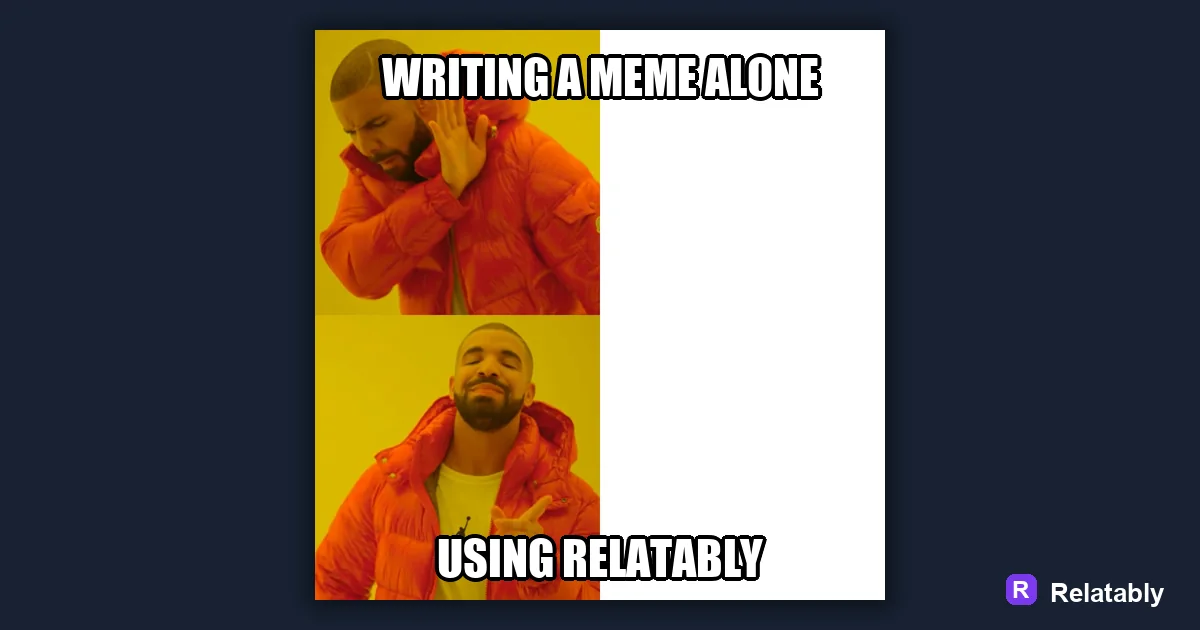
The fast path from a funny thought to a finished meme people actually share.
On this page
To make a meme, pick an image that carries a feeling, add a short top and bottom line, then size it for where you will post. The image sets the joke and the text sharpens it.
The three pieces every meme needs
A meme is simpler than it looks. It has an image, a caption, and a clear point. Get those three right and almost any picture becomes a meme.
Most beginners spend too long on the image and too little on the caption. The caption is where the joke actually lives, so give it the most attention.
Think of the image as a stage and the caption as the line an actor delivers on it. A great stage with no line is just a picture. A sharp line on the right stage is a meme. Keep both in mind and you will rarely miss.
- An image that already feels like something
- A caption that names a moment or twist
- Big, readable text that survives a phone screen
- One clear idea, not three jokes at once
Picking an image that already has a mood
The best meme images carry a feeling before you add any words. A smug face, a tired dog, a chaotic scene. You are borrowing that mood and pointing it at your topic.
If a picture feels neutral, it is harder to caption. Look for an image where the expression or scene already leans toward your joke.
You can use a known template or your own photo. Templates are easy because people already understand the format. Your own photo feels fresh but asks more from your caption. Either way, the picture should make a viewer feel something before they read.
Writing the setup and the punch
Many memes split into two beats. The first line sets up a situation. The second line flips it or lands the joke. This is why top and bottom text is so common.
Keep both lines short. A meme is read in about a second, so a long caption kills the timing. Trim every word that the picture already shows.
Not every meme needs two lines. Some land with a single caption over the image. The two beat shape just gives you a reliable pattern when you are stuck. Start there, and drop the second line if the joke is already complete.
| Caption part | Job |
|---|---|
| Top line | Set the scene or expectation |
| Bottom line | Deliver the twist or payoff |
| Whole caption | One idea, under twelve words |
Making text readable on any screen
Use a bold font with a thick outline so the words show up on light and dark spots alike. White text with a black edge is the classic choice for a reason.
Make the text large. If you shrink it to fit a long caption, people scrolling fast will miss it. Bigger words beat clever words that nobody can read.
Place the text where it will not cover a face or the key part of the image. The picture and the words should support each other, not fight for the same spot. A quick preview at small size tells you if anything important is hidden.
How much each part drives the laugh
When a meme works, it is rarely one thing. The image, the caption, and the timing each pull weight. Seeing how they split helps you spot what to fix when a meme falls flat.
What carries a meme's joke
From idea to posted meme
Open the Relatably Meme Generator, choose your image, and type your top and bottom lines. Preview it at a small size to mimic a real feed before you save.
Test it on one person first. If they smile or say it is true, you are ready to post. If they pause to understand it, the caption needs to be shorter or clearer.
Making memes is a skill that grows with reps. The first ones may feel stiff, and that is normal. The more you make, the faster you spot which images carry a feeling and which captions land. Keep the loop simple, post often, and your sense for what works will sharpen on its own.
To go deeper, read memes for Instagram, the meme template guide, how to make relatable memes, and common meme mistakes.
Turn the idea into a finished meme
Use the template library as a creative constraint: pick the format first, then write the caption to fit that format.
| Decision | Recommendation |
|---|---|
| Template choice | Reaction, comparison, panel, classic, or blank utility |
| Caption test | Can someone understand the setup in under two seconds? |
| Final check | Does the image still work if the caption is read on a small screen? |
- Use a recognizable blank when speed matters.
- Use your own photo when the specific moment is more important than the format.
- Cut any caption word that explains what the image already shows.