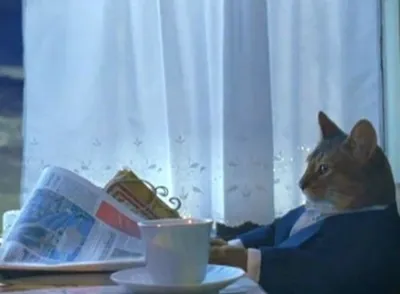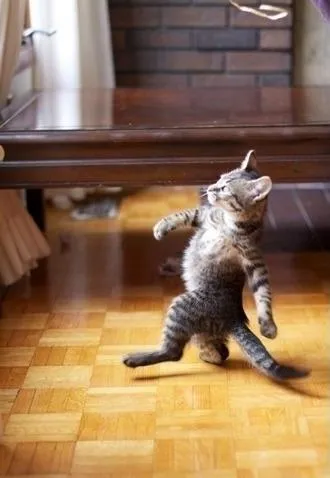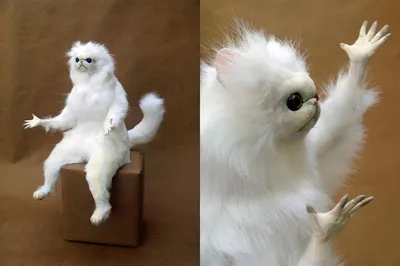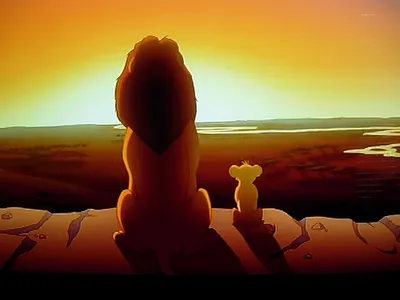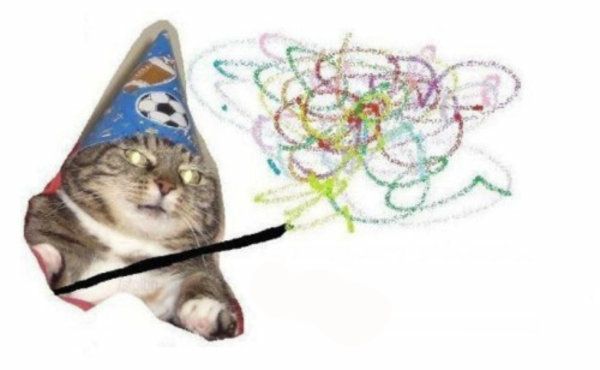
Caption the Woosh cat Meme Template
Woosh Cat features a photo of a cat with a wind-swept or startled expression used to represent something flying completely over someone's head or passing at incomprehensible speed. It is applied to situations where a joke was missed, an opportunity was lost, or someone was simply too slow to catch what happened.
Caption this template- Category
- Animal Meme Templates
- Size
- 600 x 370 px
- Format
- Image
- Price
- Free, no sign up
Where the Woosh cat meme comes from
Likely captured during a gust of wind or an unexpected noise, the image is a candid photograph of a cat wearing an expression that reads as startled or confused. It circulated in cat meme communities before being adopted into the woosh format representing things going over people's heads.
How to caption the Woosh cat meme
Use the image to react to someone missing a joke or failing to catch an obvious reference captioning with woooosh or a label naming what just flew over their head. Can also be used for speed-related humor where the cat represents something that happened faster than anyone could register. Open it in the meme generator, or read the wholesome meme guide for more.
Woosh cat caption ideas
Need a starting point? Try one of these on the Woosh cat template, then make it your own in the meme generator.
- My coworker after I explain the joke for the third time: *woooosh*
- The reference I made / My little cousin, born after 2012: *woooosh*
- Me trying to follow the plot of the movie everyone says is 'so simple'
- My boss's 'quick' explanation of the new process flying directly over the entire team
- When the sarcasm leaves my mouth and sails clean over their head
Best uses for the Woosh cat template
Use the Woosh cat template when the joke fits a animal format and the image can explain the feeling before the reader finishes the caption. It is strongest for cute reactions, chaotic moods, and warm low-stakes jokes.
This blank is 600 x 370 px and is a still image, so place the most important words where they stay readable after a feed crop. The wide frame works best when the caption stays centered so timeline crops do not cut off the joke.
The sample captions leave room for a setup and a punchline without turning into a paragraph. Before exporting, read the caption once without looking at the image; if it still needs a long explanation, switch to a simpler setup or a more obvious related template.
Caption patterns to try
| Pattern | Why it works |
|---|---|
| My coworker after I explain the joke for the third time: *woooosh* | This works because it gives the reader a specific situation instead of a vague label. |
| The reference I made / My little cousin, born after 2012: *woooosh* | This pattern keeps the setup concrete, which helps the template carry the reaction. |
| Me trying to follow the plot of the movie everyone says is 'so simple' | This is a useful direction when you want the punchline to feel personal or self-aware. |
Common mistakes with this blank
- Writing a caption that explains the whole joke instead of letting the Woosh cat image do part of the work.
- Placing text over the most expressive part of the image, especially faces, gestures, signs, or the main action.
- Using three different ideas in one meme. This template works better when it points at one clear situation.
- Exporting before checking the meme at phone size. If the smallest words blur together, shorten the caption first.