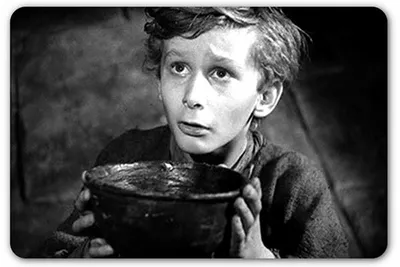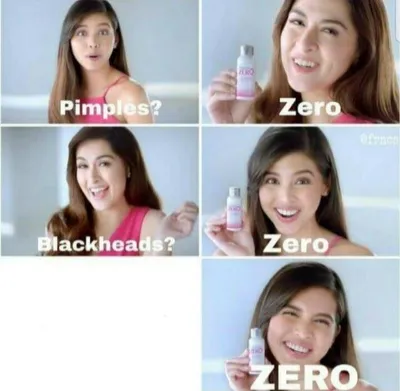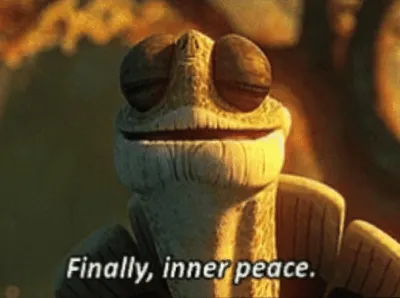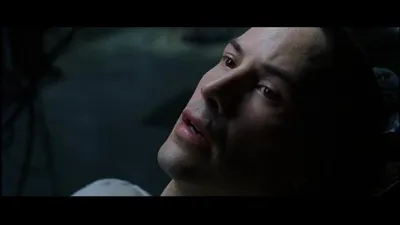
Caption the Annoying Meme Template
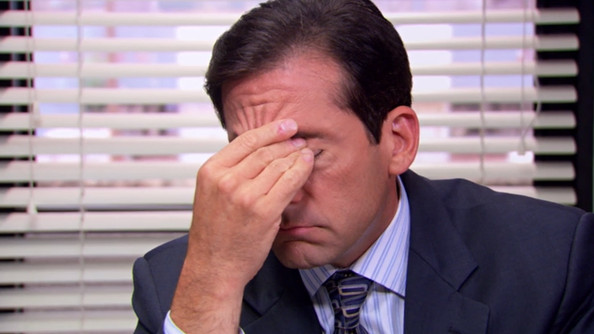
Something or someone causing irritation is the focus of this template, used to label pet peeves, frustrating behaviors, or minor but infuriating occurrences in everyday life. It is used to express the specific, relatable annoyance of encountering a predictable behavior that you cannot escape and cannot explain to others without sounding petty.
Caption this template- Category
- Situation Meme Templates
- Size
- 594 x 334 px
- Format
- Image
- Price
- Free, no sign up
Where the Annoying meme comes from
The 'Annoying' template appears to be a reaction image format derived from stock photos or viral images depicting exaggerated expressions of irritation. The exact source varies by version, but the format became popular on social media platforms for venting about specific types of people or behaviors in a way that invites audience agreement.
How to caption the Annoying meme
Pin the hyper-specific thing that annoys you - A noise, a phrase, a micro-behavior - Onto the image, even if most people would find it trivial, so others who share that irritation feel seen. You can also use it to label a type of person by their most identifiable irritating trait, turning the format into a gentle (or not so gentle) roast. Open it in the meme generator, or read how to make relatable memes for more.
Annoying caption ideas
Need a starting point? Try one of these on the Annoying template, then make it your own in the meme generator.
- When someone replies 'k' to a paragraph I spent ten minutes typing
- People who say 'we need to talk' and then go offline for six hours
- The one coworker who replies-all to a 200-person email just to say 'thanks'
- When the volume goes from 18 to 19 and it's somehow way too loud now
- People who stop walking the instant they step off the escalator
Best uses for the Annoying template
Use the Annoying template when the joke fits a situation format and the image can explain the feeling before the reader finishes the caption. It is strongest for relatable everyday moments, before-and-after jokes, and social observations.
This blank is 594 x 334 px and is a still image, so place the most important words where they stay readable after a feed crop. The wide frame works best when the caption stays centered so timeline crops do not cut off the joke.
The sample captions leave room for a setup and a punchline without turning into a paragraph. Before exporting, read the caption once without looking at the image; if it still needs a long explanation, switch to a simpler setup or a more obvious related template.
Caption patterns to try
| Pattern | Why it works |
|---|---|
| When someone replies 'k' to a paragraph I spent ten minutes typing | This works because it gives the reader a specific situation instead of a vague label. |
| People who say 'we need to talk' and then go offline for six hours | This pattern keeps the setup concrete, which helps the template carry the reaction. |
| The one coworker who replies-all to a 200-person email just to say 'thanks' | This is a useful direction when you want the punchline to feel personal or self-aware. |
Common mistakes with this blank
- Writing a caption that explains the whole joke instead of letting the Annoying image do part of the work.
- Placing text over the most expressive part of the image, especially faces, gestures, signs, or the main action.
- Using three different ideas in one meme. This template works better when it points at one clear situation.
- Exporting before checking the meme at phone size. If the smallest words blur together, shorten the caption first.