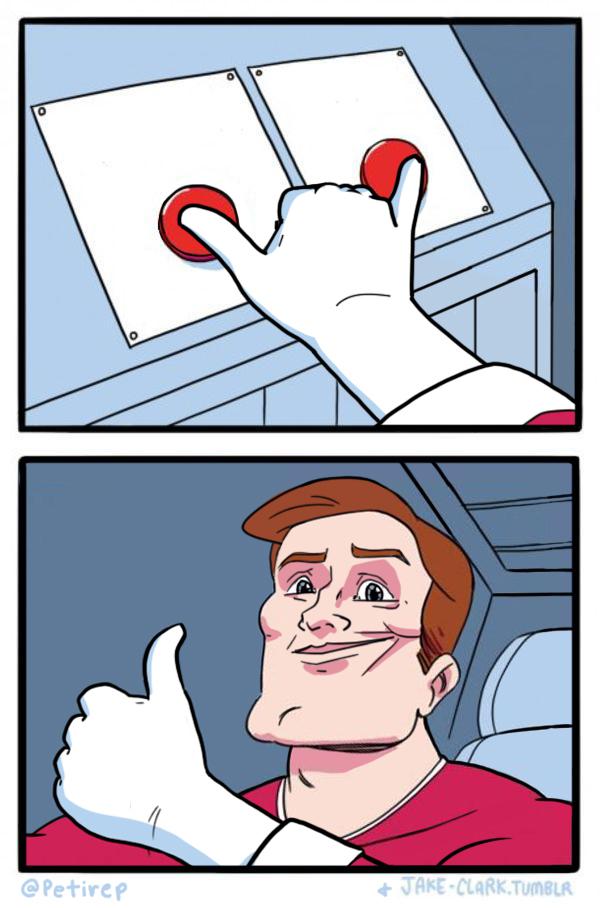
Caption the Both Buttons Pressed Meme Template
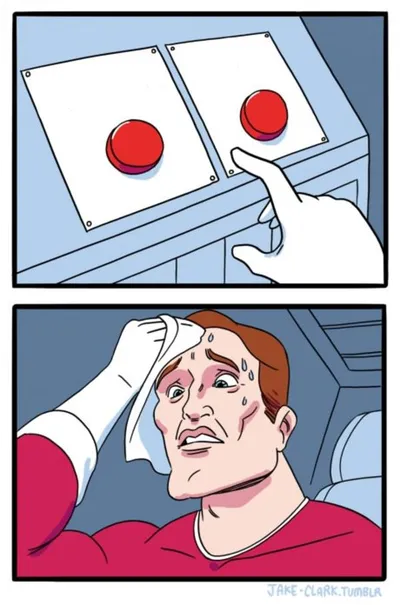
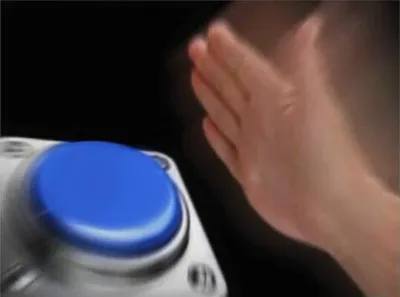
Both Buttons Pressed shows a person slamming both buttons simultaneously when presented with two conflicting options, used for situations where you absolutely cannot choose because you desperately want both things.
Caption this template- Category
- Comparison Meme Templates
- Size
- 600 x 908 px
- Format
- Image
- Price
- Free, no sign up
Where the Both Buttons Pressed meme comes from
The format is a companion to the Two Buttons template, using the same Mr. Lovenstein comic structure but with the character pressing both at once instead of hesitating. It spread as a variant around 2018.
How to caption the Both Buttons Pressed meme
Label both buttons with things that are genuinely incompatible but equally desired. The funnier entries name two things you cannot have simultaneously but keep trying to hold onto anyway. Open it in the meme generator, or read the comparison meme guide for more.
Both Buttons Pressed caption ideas
Need a starting point? Try one of these on the Both Buttons Pressed template, then make it your own in the meme generator.
- Button 1: get 8 hours of sleep / Button 2: finish the show tonight
- Button 1: save money this month / Button 2: it's on sale right now
- Button 1: be left alone / Button 2: be invited to everything
- Button 1: eat healthy / Button 2: the new dessert place just opened
- Button 1: quit my job / Button 2: keep getting paid
Best uses for the Both Buttons Pressed template
Use the Both Buttons Pressed template when the joke fits a comparison format and the image can explain the feeling before the reader finishes the caption. It is strongest for this-versus-that jokes, ranked choices, and option contrasts.
This blank is 600 x 908 px and is a still image, so place the most important words where they stay readable after a feed crop. The tall frame gives you room for a short setup near the top and a payoff below the main subject.
The sample captions leave room for a setup and a punchline without turning into a paragraph. Before exporting, read the caption once without looking at the image; if it still needs a long explanation, switch to a simpler setup or a more obvious related template.
Caption patterns to try
| Pattern | Why it works |
|---|---|
| Button 1: get 8 hours of sleep / Button 2: finish the show tonight | This works because it gives the reader a specific situation instead of a vague label. |
| Button 1: save money this month / Button 2: it's on sale right now | This pattern keeps the setup concrete, which helps the template carry the reaction. |
| Button 1: be left alone / Button 2: be invited to everything | This is a useful direction when you want the punchline to feel personal or self-aware. |
Common mistakes with this blank
- Writing a caption that explains the whole joke instead of letting the Both Buttons Pressed image do part of the work.
- Placing text over the most expressive part of the image, especially faces, gestures, signs, or the main action.
- Using three different ideas in one meme. This template works better when it points at one clear situation.
- Exporting before checking the meme at phone size. If the smallest words blur together, shorten the caption first.