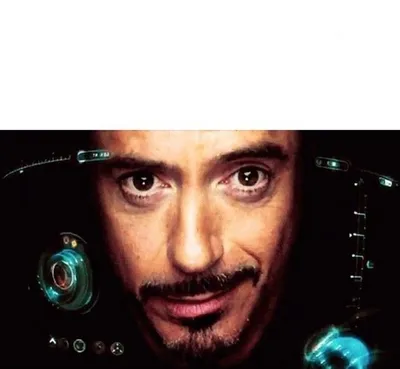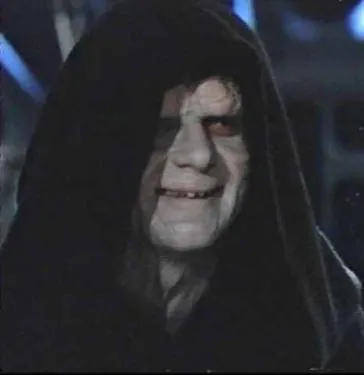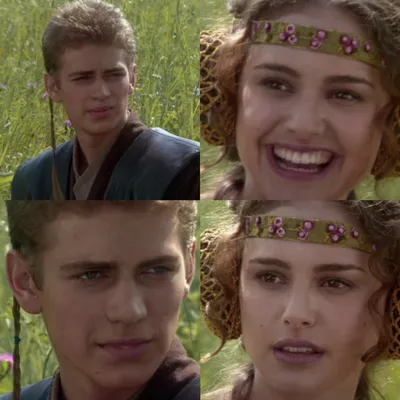
Caption the Double Long Black Template Meme Template
The Double Long Black Template is a two-panel or extended vertical meme format that uses increasing length or repetition to build toward a punchline, often doubling down on a setup until the joke becomes absurd through sheer escalation. It rewards readers who commit to the full length of the meme.
Caption this template- Category
- Blank Meme Templates
- Size
- 500 x 664 px
- Format
- Image
- Price
- Free, no sign up
Where the Double Long Black Template meme comes from
The format appears to derive from long-form meme traditions popularized on Reddit and Twitter where the length itself becomes part of the joke, with the payoff requiring patience. The 'double' framing suggests two extended setups that mirror or escalate each other before converging on a single conclusion.
How to caption the Double Long Black Template meme
Set up a scenario in the first long section that seems to be building to one conclusion, then let the second long section either undercut it entirely or escalate to something far more absurd than expected. The humor depends on the reader committing to the full read before the punchline recontextualizes everything. Open it in the meme generator, or read making your own template for more.
Double Long Black Template caption ideas
Need a starting point? Try one of these on the Double Long Black Template template, then make it your own in the meme generator.
- Top: the long, detailed text I send explaining why I can't make it / Bottom: "no worries!"
- Top: my five-paragraph reason for needing an extension / Bottom: the professor's reply: "sure"
- Top: the entire backstory I give before asking a simple favor / Bottom: the favor
- Top: the elaborate plan I made to wake up early and be productive / Bottom: hitting snooze
- Top: my long heartfelt apology text / Bottom: them already typing "it's fine lol"
Best uses for the Double Long Black Template template
Use the Double Long Black Template template when the joke fits a blank format and the image can explain the feeling before the reader finishes the caption. It is strongest for custom layouts, screenshots, labels, and reusable blank formats.
This blank is 500 x 664 px and is a still image, so place the most important words where they stay readable after a feed crop. The tall frame gives you room for a short setup near the top and a payoff below the main subject.
The sample captions leave room for a setup and a punchline without turning into a paragraph. Before exporting, read the caption once without looking at the image; if it still needs a long explanation, switch to a simpler setup or a more obvious related template.
Caption patterns to try
| Pattern | Why it works |
|---|---|
| Top: the long, detailed text I send explaining why I can't make it / Bottom: "no worries!" | This works because it gives the reader a specific situation instead of a vague label. |
| Top: my five-paragraph reason for needing an extension / Bottom: the professor's reply: "sure" | This pattern keeps the setup concrete, which helps the template carry the reaction. |
| Top: the entire backstory I give before asking a simple favor / Bottom: the favor | This is a useful direction when you want the punchline to feel personal or self-aware. |
Common mistakes with this blank
- Writing a caption that explains the whole joke instead of letting the Double Long Black Template image do part of the work.
- Placing text over the most expressive part of the image, especially faces, gestures, signs, or the main action.
- Using three different ideas in one meme. This template works better when it points at one clear situation.
- Exporting before checking the meme at phone size. If the smallest words blur together, shorten the caption first.