
Building Your Own Reusable Meme Template
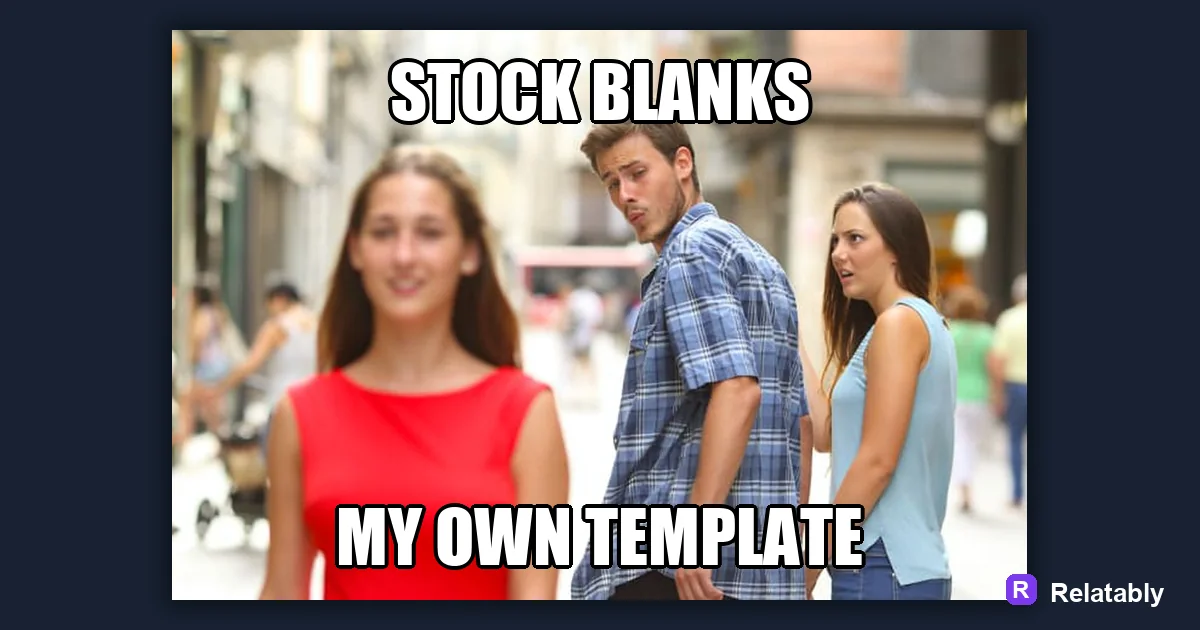
How to build a reusable meme template from your own image.
On this page
A meme template is a reusable image with space left for captions. Pick a flexible image, leave clear empty zones for text, and save it so you can reuse it again and again.
What turns an image into a template
A template is not just any picture. It is an image built so other people can drop their own words onto it and still get a joke. The key is open space and a clear emotion. Strip the original caption and the image should still feel ready for a new one.
The best templates have a strong reaction or contrast that works for many captions. If an image only fits one joke, it is a one off, not a template.
A useful way to think about it is the blank stage. Your image is the stage, and each caption is a new actor. A good stage can host hundreds of different scenes.
Picking an image that flexes
Choose a picture that can mean many things. A face mid reaction, a pointing gesture, or a clear before and after all bend to fit lots of captions.
Avoid images locked to one situation. The more open the meaning, the more jokes people can build on top of it.
Photos you take yourself can make great templates because they are fresh and yours to reuse. A simple shot of a friend reacting can outperform an overused stock image.
- A strong reaction face
- A clear contrast between two things
- An empty sign or label to fill
- A choice between two options
- A simple pointing or looking pose
Leaving room for captions
A template needs space where text can live without covering the important part of the image. Plan those zones before you save it.
Mark in your head where top text, bottom text, or panel labels will go. If every spot is busy, future captions will sit on faces and ruin the joke.
If your favorite image is too crowded, add a plain band of color at the top or bottom. That gives captions a clean home without hiding the important part of the picture.
| Template type | Where text goes |
|---|---|
| Single reaction | Top and bottom bands |
| Two panel | One label per panel |
| Labeled objects | Small tag on each item |
| Choice meme | Caption beside each option |
Sizing and saving for reuse
Save your template at a clean, standard size so it looks sharp every time someone reuses it. A square or slightly tall image fits most feeds.
In the Meme Generator you can set up the blank image, lock in the text zones, and save it as a base you return to whenever a new joke fits.
Keep one clean copy with no text at all. That blank master is the version you reuse, so you never have to erase old captions to start a new joke.
What separates a template that spreads
Some templates catch on and others vanish. The ones that stick share a few traits that make them easy for anyone to use.
Flexibility leads the pack. A template that fits many jokes gives more people a reason to try it.
Traits of a template that gets reused
To go deeper, read how to make a meme on your phone, how to make a meme with your own photo, and making a meme.
Turn the idea into a finished meme
Use the template library as a creative constraint: pick the format first, then write the caption to fit that format.
| Decision | Recommendation |
|---|---|
| Template choice | Reaction, comparison, panel, classic, or blank utility |
| Caption test | Can someone understand the setup in under two seconds? |
| Final check | Does the image still work if the caption is read on a small screen? |
- Use a recognizable blank when speed matters.
- Use your own photo when the specific moment is more important than the format.
- Cut any caption word that explains what the image already shows.