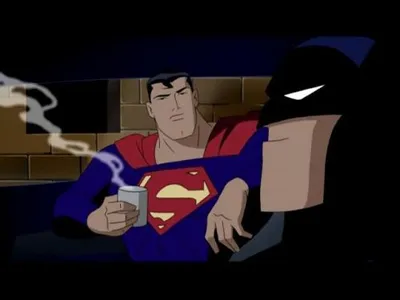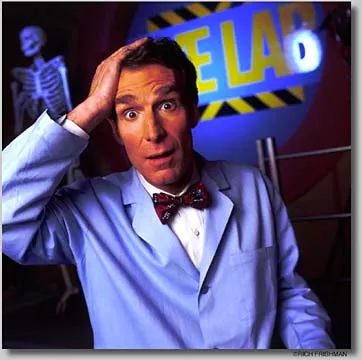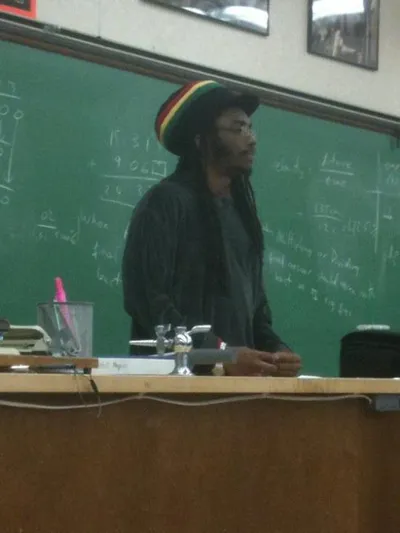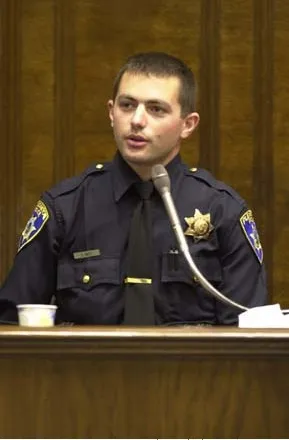
Caption the Engineering Professor Meme Template
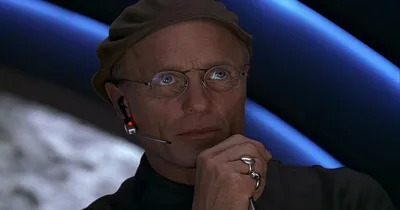
Engineering Professor is an advice animal image macro featuring a middle-aged man in a classroom or lecture setting, used to satirize the gap between theoretical academic knowledge and real-world engineering practice. Captions typically contrast textbook idealism with chaotic practical reality.
Caption this template- Category
- People and Face Meme Templates
- Size
- 500 x 331 px
- Format
- Image
- Price
- Free, no sign up
Where the Engineering Professor meme comes from
What looks like a stock photo of a man in a professional or academic environment was adapted into a meme format on Reddit around 2012. Neither the specific photographer nor the subject is publicly identified.
How to caption the Engineering Professor meme
Put the idealized textbook scenario or academic assumption in the top text, then reveal the messy, frustrating real-world counterpart in the bottom text. The funnier the gap between theory and practice, the stronger the meme. Open it in the meme generator, or read how to make relatable memes for more.
Engineering Professor caption ideas
Need a starting point? Try one of these on the Engineering Professor template, then make it your own in the meme generator.
- Top: Assume a frictionless surface and ideal conditions / Bottom: The prototype caught fire in the parking lot
- Top: In theory, the system handles infinite load / Bottom: It crashed when two interns logged in
- Top: The textbook says this should take ten minutes / Bottom: It's hour six and the documentation is a forum post from 2009
- Top: Simply solve for X / Bottom: X has eleven dependencies and one of them is deprecated
- Top: The bridge is structurally sound on paper / Bottom: It wobbles when a pigeon lands on it
Best uses for the Engineering Professor template
Use the Engineering Professor template when the joke fits a people and face format and the image can explain the feeling before the reader finishes the caption. It is strongest for expressions, awkward moments, and character-driven jokes.
This blank is 500 x 331 px and is a still image, so place the most important words where they stay readable after a feed crop. The wide frame works best when the caption stays centered so timeline crops do not cut off the joke.
The sample captions are more detailed, so trim aggressively before posting on small screens. Before exporting, read the caption once without looking at the image; if it still needs a long explanation, switch to a simpler setup or a more obvious related template.
Caption patterns to try
| Pattern | Why it works |
|---|---|
| Top: Assume a frictionless surface and ideal conditions / Bottom: The prototype caught fire in the parking lot | This works because it gives the reader a specific situation instead of a vague label. |
| Top: In theory, the system handles infinite load / Bottom: It crashed when two interns logged in | This pattern keeps the setup concrete, which helps the template carry the reaction. |
| Top: The textbook says this should take ten minutes / Bottom: It's hour six and the documentation is a forum post from 2009 | This is a useful direction when you want the punchline to feel personal or self-aware. |
Common mistakes with this blank
- Writing a caption that explains the whole joke instead of letting the Engineering Professor image do part of the work.
- Placing text over the most expressive part of the image, especially faces, gestures, signs, or the main action.
- Using three different ideas in one meme. This template works better when it points at one clear situation.
- Exporting before checking the meme at phone size. If the smallest words blur together, shorten the caption first.