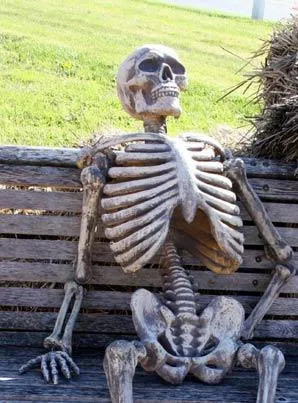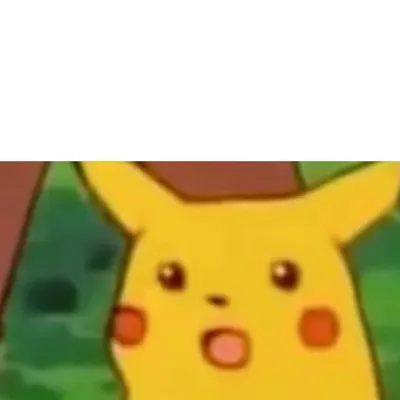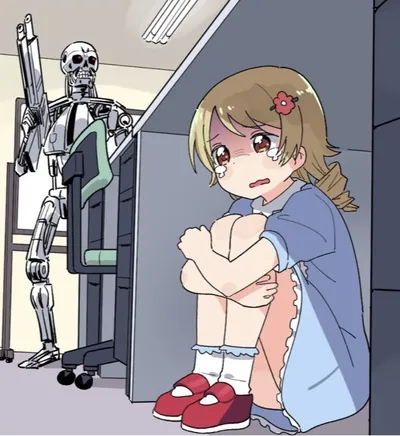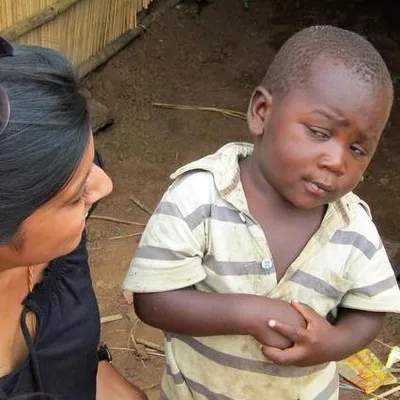
Caption the Happy / Shock Meme Template
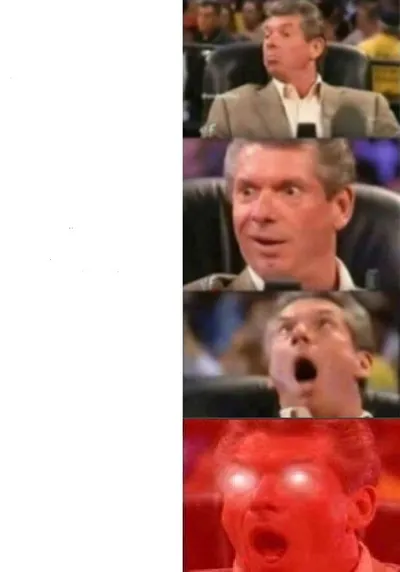
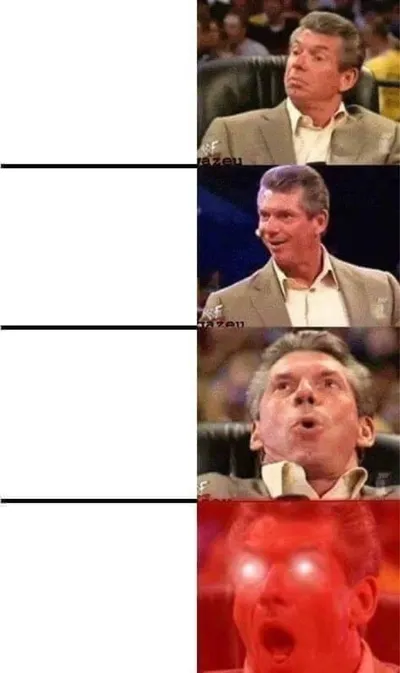
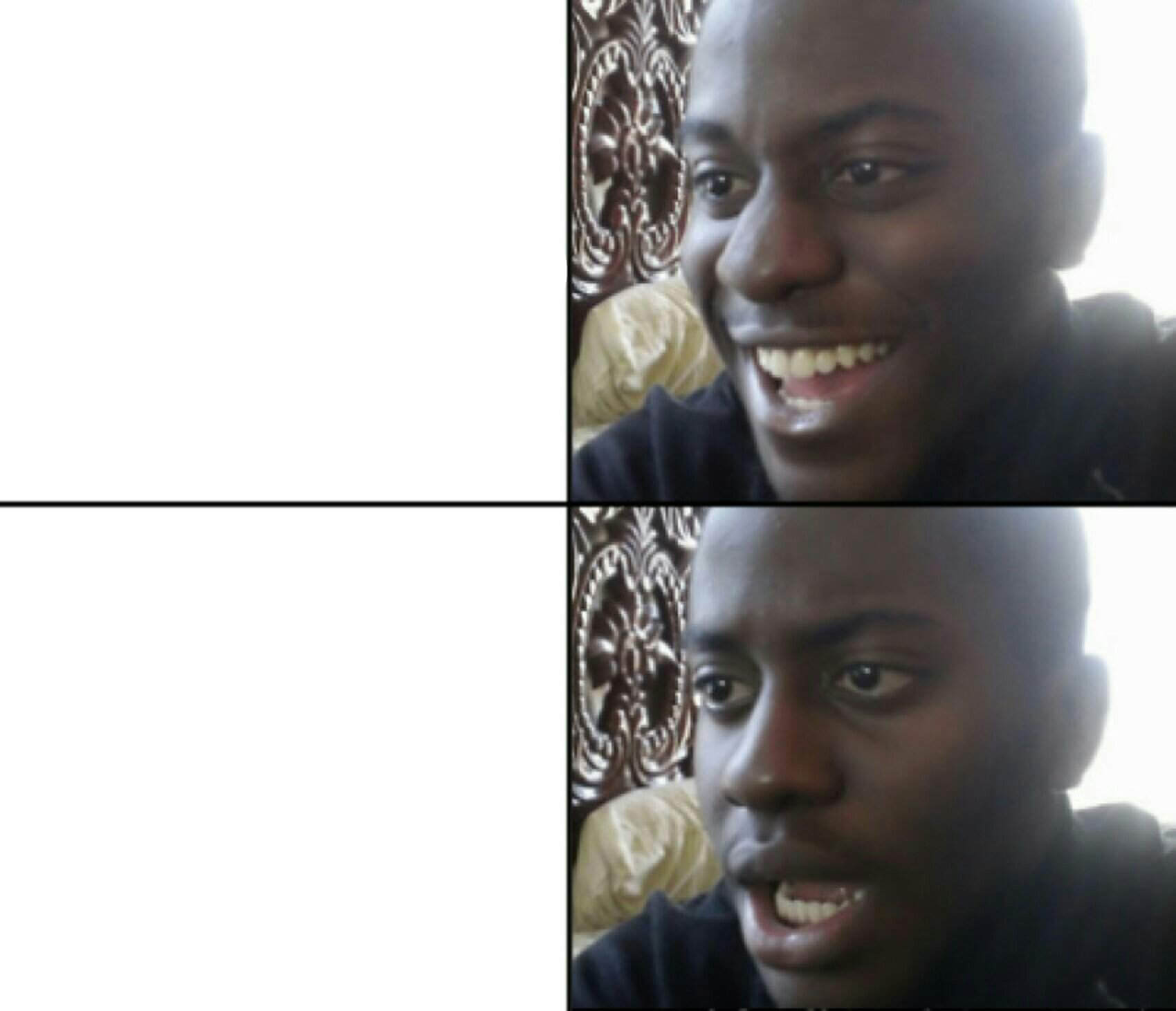
A two-panel reaction template contrasting a happy or excited expression with a shocked or horrified one, used to represent the emotional whiplash of finding out additional information. The format captures the moment enthusiasm turns to dread.
Caption this template- Category
- Reaction Face Meme Templates
- Size
- 1700 x 1462 px
- Format
- Image
- Price
- Free, no sign up
Where the Happy / Shock meme comes from
Apparently traced to a reaction GIF or panel set where the same person or character transitions from visible delight to visible alarm, the template's specific source show or individual behind the original clip varies across versions.
How to caption the Happy / Shock meme
Label the happy panel with the appealing surface-level version of something and the shocked panel with the hidden catch or disturbing detail beneath it. Alternatively, use the happy panel for 'before reading the fine print' and the shocked panel for 'after reading the fine print.' Open it in the meme generator, or read the reaction meme guide for more.
Happy / Shock caption ideas
Need a starting point? Try one of these on the Happy / Shock template, then make it your own in the meme generator.
- Happy: 'The flight was only $40!' / Shock: the carry-on costs $90
- Happy: 'They added unlimited PTO' / Shock: nobody is allowed to actually take it
- Happy: 'Free trial!' / Shock: it auto-renews at $79/month
- Happy: 'My code finally ran' / Shock: it deleted the production database
- Happy: 'She texted back!' / Shock: it was meant for someone else
Best uses for the Happy / Shock template
Use the Happy / Shock template when the joke fits a reaction face format and the image can explain the feeling before the reader finishes the caption. It is strongest for reaction memes, group chat replies, and quick emotional punchlines.
This blank is 1700 x 1462 px and is a still image, so place the most important words where they stay readable after a feed crop. The near-square frame is flexible for feeds, group chats, Reddit, and Discord.
The sample captions leave room for a setup and a punchline without turning into a paragraph. Before exporting, read the caption once without looking at the image; if it still needs a long explanation, switch to a simpler setup or a more obvious related template.
Caption patterns to try
| Pattern | Why it works |
|---|---|
| Happy: 'The flight was only $40!' / Shock: the carry-on costs $90 | This works because it gives the reader a specific situation instead of a vague label. |
| Happy: 'They added unlimited PTO' / Shock: nobody is allowed to actually take it | This pattern keeps the setup concrete, which helps the template carry the reaction. |
| Happy: 'Free trial!' / Shock: it auto-renews at $79/month | This is a useful direction when you want the punchline to feel personal or self-aware. |
Common mistakes with this blank
- Writing a caption that explains the whole joke instead of letting the Happy / Shock image do part of the work.
- Placing text over the most expressive part of the image, especially faces, gestures, signs, or the main action.
- Using three different ideas in one meme. This template works better when it points at one clear situation.
- Exporting before checking the meme at phone size. If the smallest words blur together, shorten the caption first.