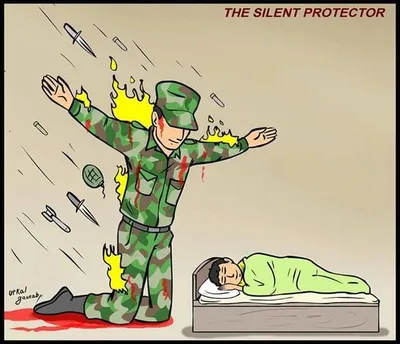
Caption the Hypnotize Meme Template
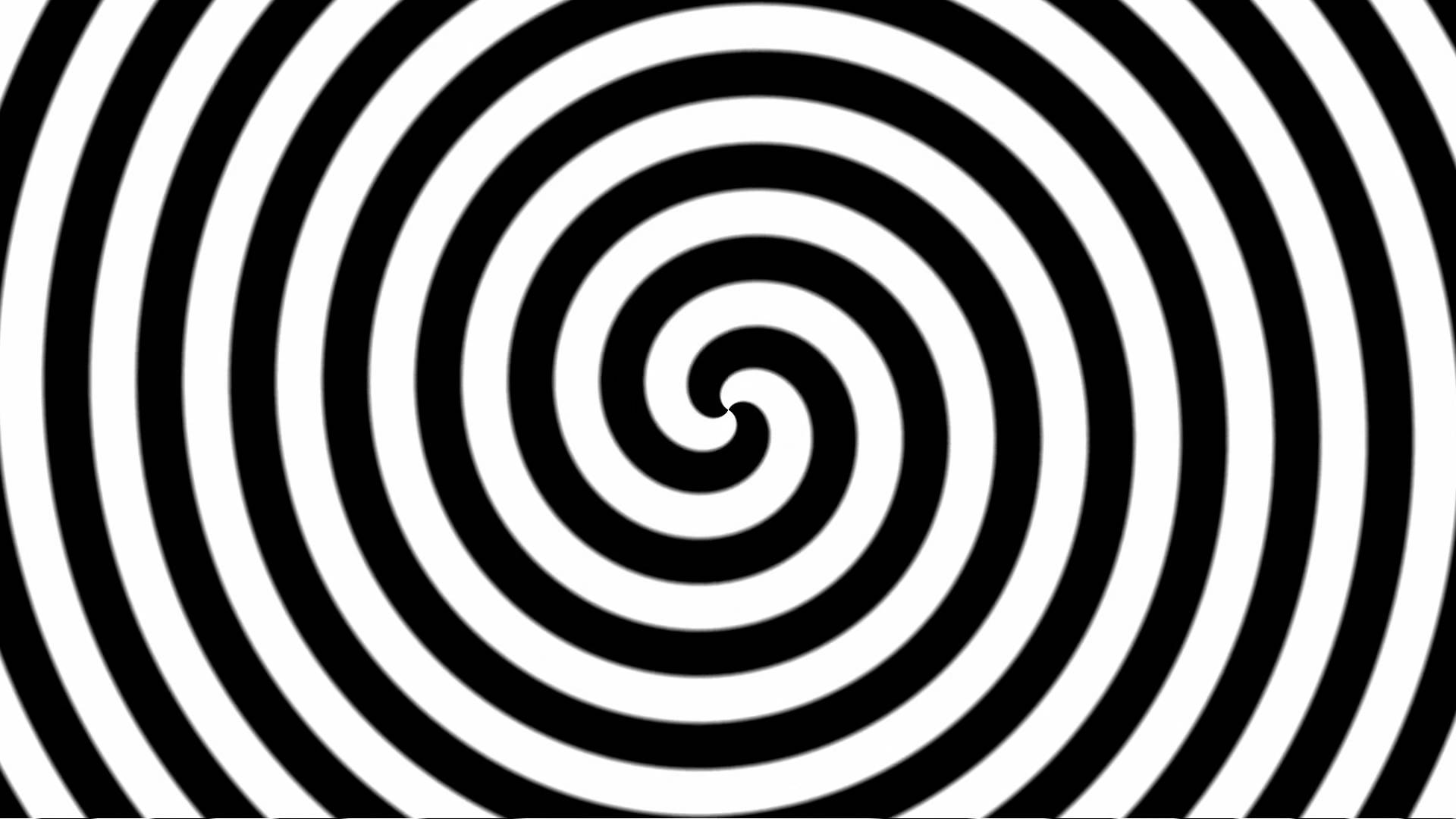
Hypnotize is a template depicting someone using a swinging pocket watch or similar object to put another person in a trance, used to represent persuasion, distraction, or someone being irrationally compelled to do something against their better judgment. The format suits jokes about advertising, temptation, or irrational loyalty.
Caption this template- Category
- Situation Meme Templates
- Size
- 1920 x 1080 px
- Format
- Image
- Price
- Free, no sign up
Where the Hypnotize meme comes from
The template draws on the classic visual shorthand for hypnosis from film and television, likely adapted from a specific scene or stock image. It has been used as a meme format since the early 2010s to depict any situation where someone is being guided or manipulated without realizing it.
How to caption the Hypnotize meme
Label the hypnotist as a company, habit, or influence, and label the subject as yourself being helplessly drawn in (e.g., 'Netflix autoplay' hypnotizing 'me at 2am'). Use the pendulum to represent whatever irresistible pull keeps you making the same choices. Open it in the meme generator, or read how to make relatable memes for more.
Hypnotize caption ideas
Need a starting point? Try one of these on the Hypnotize template, then make it your own in the meme generator.
- Hypnotist: 'one more episode' / Subject: me at 1am with work at 7
- Hypnotist: the 'add to cart' button during a sale / Subject: my entire paycheck
- Hypnotist: the fridge / Subject: me, opening it for the fourth time hoping new food appeared
- Hypnotist: 'free shipping if you spend $10 more' / Subject: me adding $40 of stuff
- Hypnotist: the snooze button / Subject: my whole morning
Best uses for the Hypnotize template
Use the Hypnotize template when the joke fits a situation format and the image can explain the feeling before the reader finishes the caption. It is strongest for relatable everyday moments, before-and-after jokes, and social observations.
This blank is 1920 x 1080 px and is a still image, so place the most important words where they stay readable after a feed crop. The wide frame works best when the caption stays centered so timeline crops do not cut off the joke.
The sample captions leave room for a setup and a punchline without turning into a paragraph. Before exporting, read the caption once without looking at the image; if it still needs a long explanation, switch to a simpler setup or a more obvious related template.
Caption patterns to try
| Pattern | Why it works |
|---|---|
| Hypnotist: 'one more episode' / Subject: me at 1am with work at 7 | This works because it gives the reader a specific situation instead of a vague label. |
| Hypnotist: the 'add to cart' button during a sale / Subject: my entire paycheck | This pattern keeps the setup concrete, which helps the template carry the reaction. |
| Hypnotist: the fridge / Subject: me, opening it for the fourth time hoping new food appeared | This is a useful direction when you want the punchline to feel personal or self-aware. |
Common mistakes with this blank
- Writing a caption that explains the whole joke instead of letting the Hypnotize image do part of the work.
- Placing text over the most expressive part of the image, especially faces, gestures, signs, or the main action.
- Using three different ideas in one meme. This template works better when it points at one clear situation.
- Exporting before checking the meme at phone size. If the smallest words blur together, shorten the caption first.