Caption the No Fear One Fear Meme Template
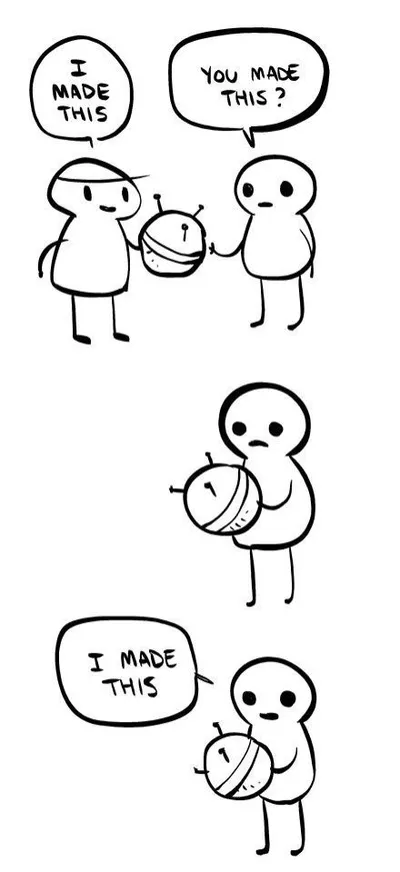
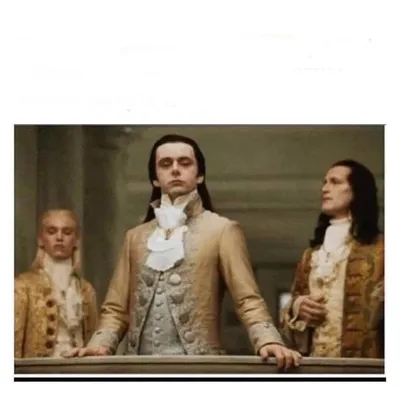
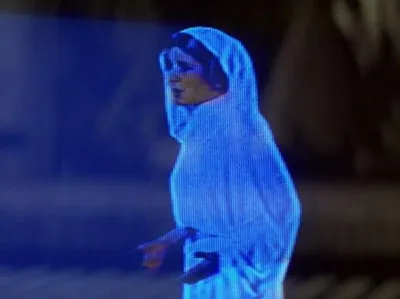
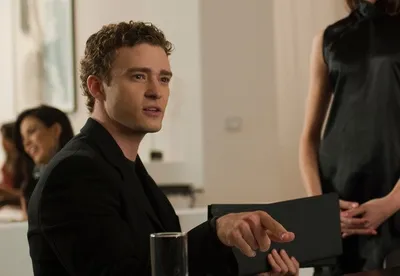
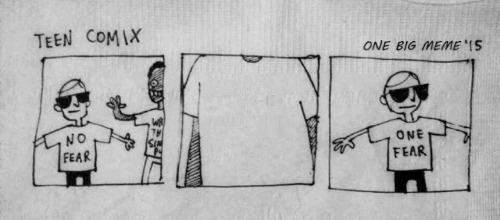
The 'No Fear / One Fear' template uses a two-panel structure where the first panel shows a bold fearless declaration and the second reveals the one specific, often absurd thing that causes complete terror. It is used for self-deprecating humor about irrational phobias or surprisingly specific anxieties.
Caption this template- Category
- Situation Meme Templates
- Size
- 500 x 220 px
- Format
- Image
- Price
- Free, no sign up
Where the No Fear One Fear meme comes from
The format derives from the No Fear brand of edgy early-2000s apparel, where the logo conveyed hypermasculine fearlessness. The ironic inversion - Declaring total fearlessness then immediately admitting one very specific fear - Emerged as a meme format on Reddit and Twitter around 2018-2020.
How to caption the No Fear One Fear meme
Lead with the confident 'No Fear' declaration in the first panel, then reveal the one absurdly specific or mundane thing that causes genuine dread in the second. The best versions make the one fear painfully relatable to a specific audience while remaining far too petty to justify the fearless buildup. Open it in the meme generator, or read how to make relatable memes for more.
No Fear One Fear caption ideas
Need a starting point? Try one of these on the No Fear One Fear template, then make it your own in the meme generator.
- No Fear: skydiving, public speaking, confronting my boss / One Fear: the phone ringing from an unknown number
- No Fear: heights, spiders, the dark / One Fear: 'we need to talk' with no further context
- No Fear: deploying on a Friday / One Fear: the senior dev typing '...' in the code review
- No Fear: hot yoga, ice baths, marathons / One Fear: the dentist asking if I floss
- No Fear: bungee jumping / One Fear: someone watching me parallel park
Best uses for the No Fear One Fear template
Use the No Fear One Fear template when the joke fits a situation format and the image can explain the feeling before the reader finishes the caption. It is strongest for relatable everyday moments, before-and-after jokes, and social observations.
This blank is 500 x 220 px and is a still image, so place the most important words where they stay readable after a feed crop. The wide frame works best when the caption stays centered so timeline crops do not cut off the joke.
The sample captions are more detailed, so trim aggressively before posting on small screens. Before exporting, read the caption once without looking at the image; if it still needs a long explanation, switch to a simpler setup or a more obvious related template.
Caption patterns to try
| Pattern | Why it works |
|---|---|
| No Fear: skydiving, public speaking, confronting my boss / One Fear: the phone ringing from an unknown number | This works because it gives the reader a specific situation instead of a vague label. |
| No Fear: heights, spiders, the dark / One Fear: 'we need to talk' with no further context | This pattern keeps the setup concrete, which helps the template carry the reaction. |
| No Fear: deploying on a Friday / One Fear: the senior dev typing '...' in the code review | This is a useful direction when you want the punchline to feel personal or self-aware. |
Common mistakes with this blank
- Writing a caption that explains the whole joke instead of letting the No Fear One Fear image do part of the work.
- Placing text over the most expressive part of the image, especially faces, gestures, signs, or the main action.
- Using three different ideas in one meme. This template works better when it points at one clear situation.
- Exporting before checking the meme at phone size. If the smallest words blur together, shorten the caption first.