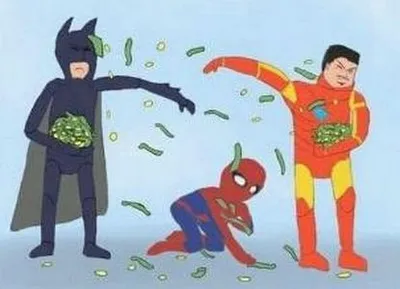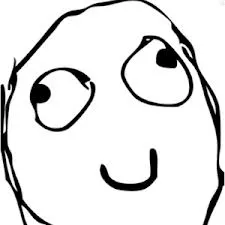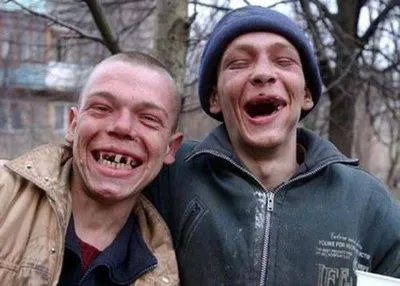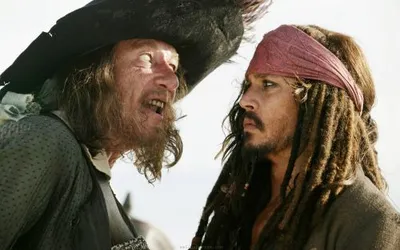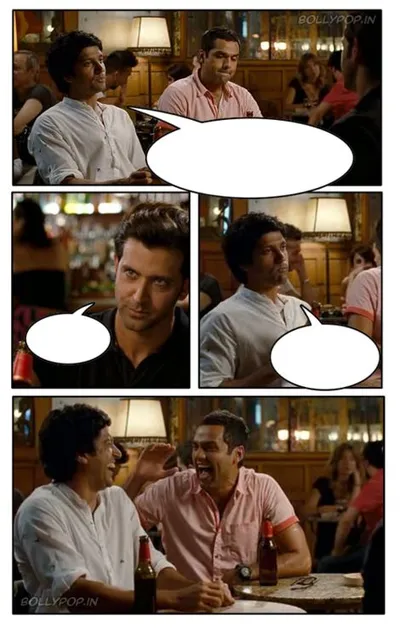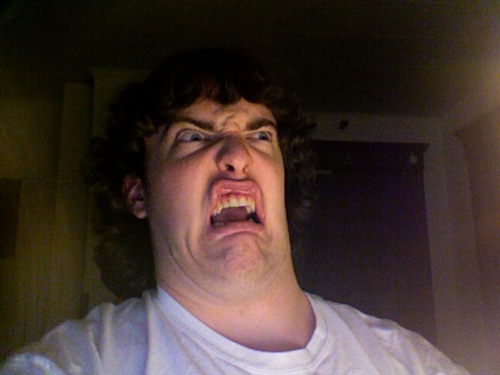
Caption the Oh No Meme Template
Oh No is a reaction format expressing dread, resignation, or the dawning realization that something bad is about to happen or has already happened. It is often paired with images of characters looking on helplessly as disaster unfolds, or used as a text overlay on videos showing impending catastrophes. The brevity of the phrase is precisely what gives it comedic punch as it is the last thought before impact.
Caption this template- Category
- Situation Meme Templates
- Size
- 500 x 375 px
- Format
- Image
- Price
- Free, no sign up
Where the Oh No meme comes from
Oh No as a meme format gained significant traction from a TikTok trend in the early 2020s in which a sound clip featuring the words oh no oh no oh no no no no no was synced to videos of things going wrong. The audio originated from a viral video and was subsequently remixed into countless clips of fails, disasters, and face-plants. The text-only Oh No format predates this TikTok wave but was significantly amplified by it.
How to caption the Oh No meme
Pin a single line to the image naming the exact thing that's just been realized or seen - One line carries it, since the dread already lives in the image. The template lands hardest when that disaster is spelled out vividly enough for the reader to picture it instantly. Open it in the meme generator, or read how to make relatable memes for more.
Oh No caption ideas
Need a starting point? Try one of these on the Oh No template, then make it your own in the meme generator.
- Oh no, I just said 'you too' when the waiter told me to enjoy my meal.
- Oh no, I hit reply-all and it's already loading the sent screen.
- Oh no, the 'do you want to save changes' box is closing and I clicked the wrong button.
- Oh no, that wasn't my coworker waving at me, that was the person behind me.
- Oh no, the meeting invite says 'camera on' and I am very much not camera-ready.
Best uses for the Oh No template
Use the Oh No template when the joke fits a situation format and the image can explain the feeling before the reader finishes the caption. It is strongest for relatable everyday moments, before-and-after jokes, and social observations.
This blank is 500 x 375 px and is a still image, so place the most important words where they stay readable after a feed crop. The wide frame works best when the caption stays centered so timeline crops do not cut off the joke.
The sample captions leave room for a setup and a punchline without turning into a paragraph. Before exporting, read the caption once without looking at the image; if it still needs a long explanation, switch to a simpler setup or a more obvious related template.
Caption patterns to try
| Pattern | Why it works |
|---|---|
| Oh no, I just said 'you too' when the waiter told me to enjoy my meal. | This works because it gives the reader a specific situation instead of a vague label. |
| Oh no, I hit reply-all and it's already loading the sent screen. | This pattern keeps the setup concrete, which helps the template carry the reaction. |
| Oh no, the 'do you want to save changes' box is closing and I clicked the wrong button. | This is a useful direction when you want the punchline to feel personal or self-aware. |
Common mistakes with this blank
- Writing a caption that explains the whole joke instead of letting the Oh No image do part of the work.
- Placing text over the most expressive part of the image, especially faces, gestures, signs, or the main action.
- Using three different ideas in one meme. This template works better when it points at one clear situation.
- Exporting before checking the meme at phone size. If the smallest words blur together, shorten the caption first.