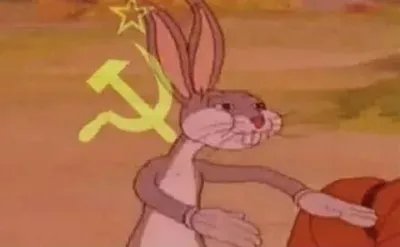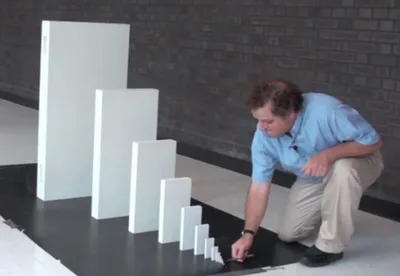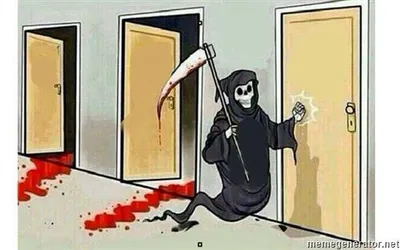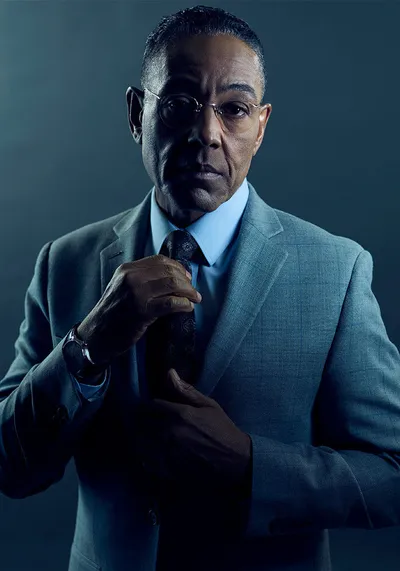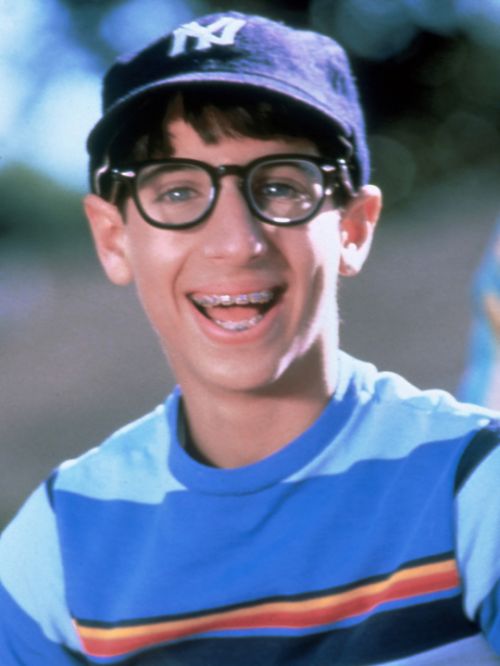
Caption the Paul Wonder Years Meme Template
Paul Wonder Years features Paul Pfeiffer, the nerdy best friend character from the late-1980s TV series The Wonder Years, used to represent the overlooked sidekick who is actually smarter than the main character. Captions typically give Paul the last laugh when Kevin Arnold's romantic schemes go badly.
Caption this template- Category
- Situation Meme Templates
- Size
- 500 x 666 px
- Format
- Image
- Price
- Free, no sign up
Where the Paul Wonder Years meme comes from
Paul Pfeiffer was played by Josh Saviano in the ABC coming-of-age series The Wonder Years, which aired from 1988 to 1993. The show depicted suburban American adolescence and Paul's character as the nerdy overlooked best friend became a touchstone for identifying with the sidekick who quietly has everything figured out.
How to caption the Paul Wonder Years meme
Captions should give Paul the perspective or outcome that Kevin overlooked, letting the sidekick be quietly vindicated while the main character stumbles. The format lands hardest when the audience identifies with Paul's nerdy self-awareness more than Kevin's oblivious romanticism. Open it in the meme generator, or read how to make relatable memes for more.
Paul Wonder Years caption ideas
Need a starting point? Try one of these on the Paul Wonder Years template, then make it your own in the meme generator.
- Kevin texting his crush a paragraph; Paul, who quietly got her number weeks ago
- When the cool kid bombs the presentation and the nerd already had the backup slides
- Kevin chasing the popular girl; Paul calmly dating the one who likes him back
- Everyone laughed at me for studying, and now everyone's asking for my notes
- Kevin: but she smiled at me / Paul: she smiled at everyone, buddy
Best uses for the Paul Wonder Years template
Use the Paul Wonder Years template when the joke fits a situation format and the image can explain the feeling before the reader finishes the caption. It is strongest for relatable everyday moments, before-and-after jokes, and social observations.
This blank is 500 x 666 px and is a still image, so place the most important words where they stay readable after a feed crop. The tall frame gives you room for a short setup near the top and a payoff below the main subject.
The sample captions leave room for a setup and a punchline without turning into a paragraph. Before exporting, read the caption once without looking at the image; if it still needs a long explanation, switch to a simpler setup or a more obvious related template.
Caption patterns to try
| Pattern | Why it works |
|---|---|
| Kevin texting his crush a paragraph; Paul, who quietly got her number weeks ago | This works because it gives the reader a specific situation instead of a vague label. |
| When the cool kid bombs the presentation and the nerd already had the backup slides | This pattern keeps the setup concrete, which helps the template carry the reaction. |
| Kevin chasing the popular girl; Paul calmly dating the one who likes him back | This is a useful direction when you want the punchline to feel personal or self-aware. |
Common mistakes with this blank
- Writing a caption that explains the whole joke instead of letting the Paul Wonder Years image do part of the work.
- Placing text over the most expressive part of the image, especially faces, gestures, signs, or the main action.
- Using three different ideas in one meme. This template works better when it points at one clear situation.
- Exporting before checking the meme at phone size. If the smallest words blur together, shorten the caption first.