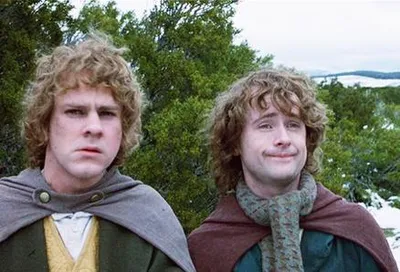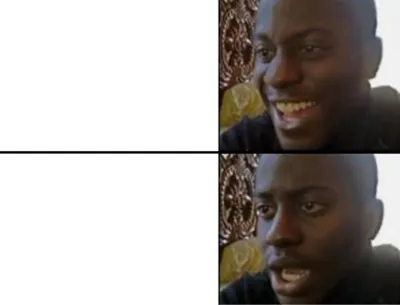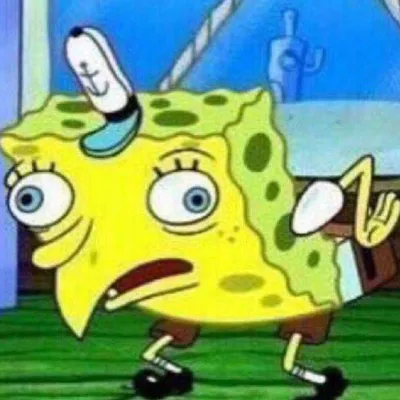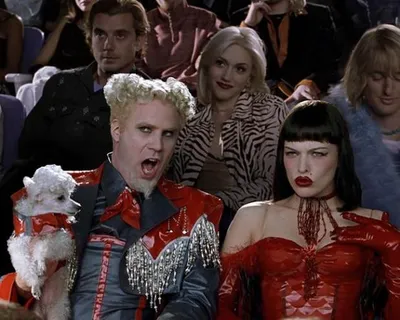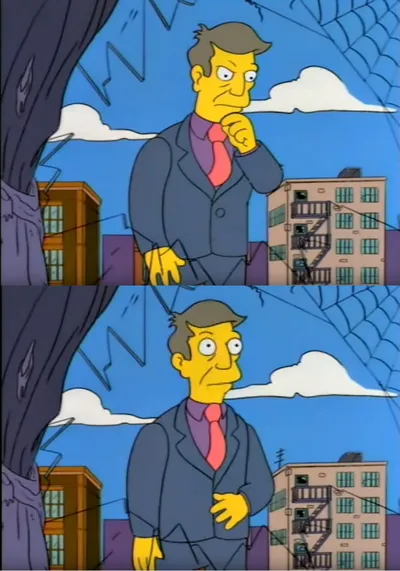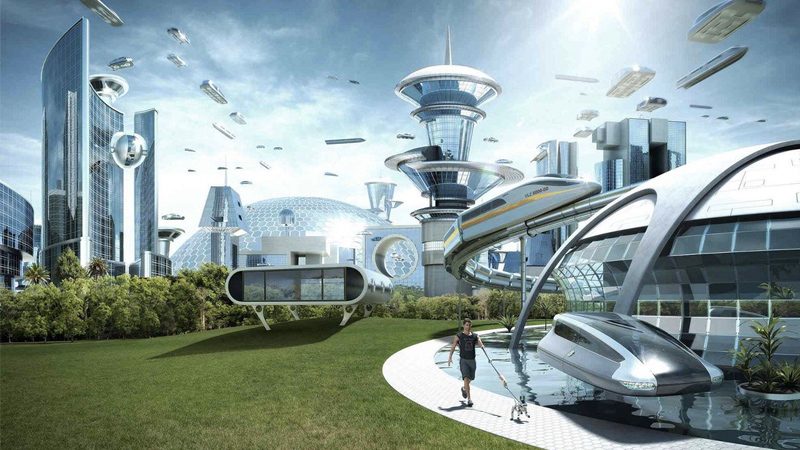
Caption the The future world if Meme Template
The Future World If is a comparative format showing two possible futures side by side: a beautiful, thriving world if one thing happened, versus a bleak, dying world if the other thing happened instead.
Caption this template- Category
- Situation Meme Templates
- Size
- 800 x 450 px
- Format
- Image
- Price
- Free, no sign up
Where the The future world if meme comes from
The format uses contrasting nature or landscape imagery to dramatize two futures, with the if construction making the stakes explicit. It spread widely in the early 2020s as a format for arguing that small choices lead to very different outcomes.
How to caption the The future world if meme
Label the thriving world with the condition you prefer and the dying world with the condition you oppose. The funnier entries apply the apocalyptic scale to trivial choices, making the stakes absurdly disproportionate. Open it in the meme generator, or read how to make relatable memes for more.
The future world if caption ideas
Need a starting point? Try one of these on the The future world if template, then make it your own in the meme generator.
- Thriving world: if people muted themselves on calls / Dying world: if they kept their mic hot
- Thriving world: if everyone used turn signals / Dying world: the lawless realm we live in now
- Thriving world: if 'reply all' had a confirmation step / Dying world: the inbox we deserve
- Thriving world: if group chats had a 'no good morning forwards' rule / Dying world: my aunt's chat
- Thriving world: if meetings ended on time / Dying world: 'real quick, one more thing'
Best uses for the The future world if template
Use the The future world if template when the joke fits a situation format and the image can explain the feeling before the reader finishes the caption. It is strongest for relatable everyday moments, before-and-after jokes, and social observations.
This blank is 800 x 450 px and is a still image, so place the most important words where they stay readable after a feed crop. The wide frame works best when the caption stays centered so timeline crops do not cut off the joke.
The sample captions are more detailed, so trim aggressively before posting on small screens. Before exporting, read the caption once without looking at the image; if it still needs a long explanation, switch to a simpler setup or a more obvious related template.
Caption patterns to try
| Pattern | Why it works |
|---|---|
| Thriving world: if people muted themselves on calls / Dying world: if they kept their mic hot | This works because it gives the reader a specific situation instead of a vague label. |
| Thriving world: if everyone used turn signals / Dying world: the lawless realm we live in now | This pattern keeps the setup concrete, which helps the template carry the reaction. |
| Thriving world: if 'reply all' had a confirmation step / Dying world: the inbox we deserve | This is a useful direction when you want the punchline to feel personal or self-aware. |
Common mistakes with this blank
- Writing a caption that explains the whole joke instead of letting the The future world if image do part of the work.
- Placing text over the most expressive part of the image, especially faces, gestures, signs, or the main action.
- Using three different ideas in one meme. This template works better when it points at one clear situation.
- Exporting before checking the meme at phone size. If the smallest words blur together, shorten the caption first.