
Designing a Clean, Minimalist Quote Image
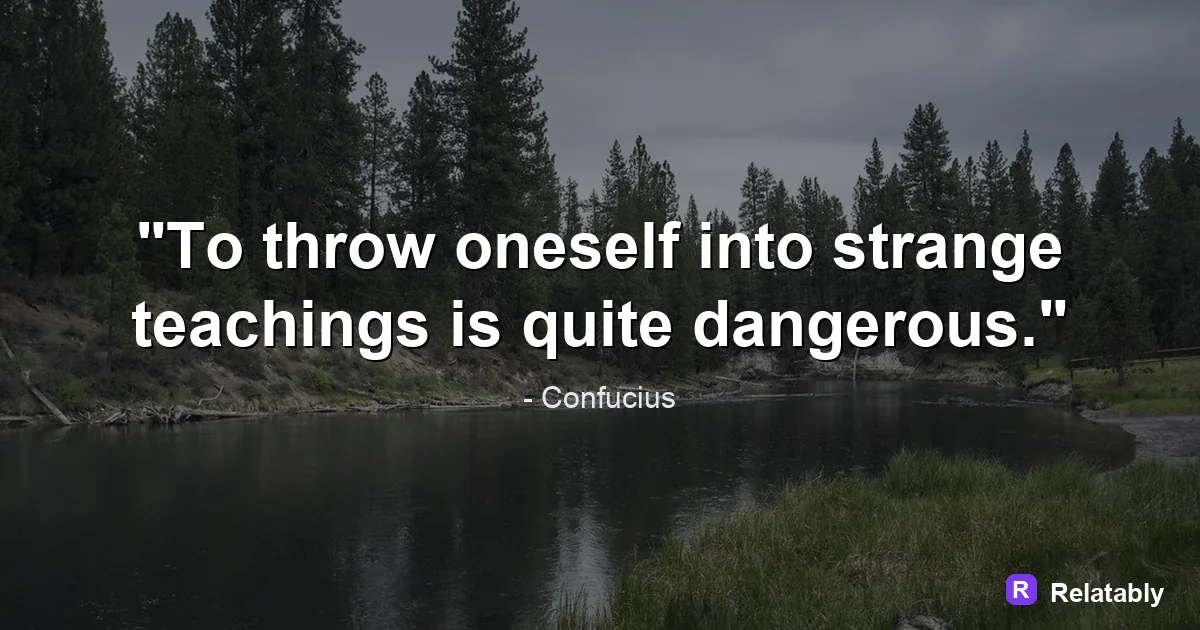
How to get the clean, minimalist look on a quote image.
On this page
A minimalist quote image uses one short line, lots of empty space, and a single calm color. Strip away photos, borders, and extra fonts so the words carry the whole design.
What makes a quote image feel minimalist
Minimalism is not about leaving things out at random. It means keeping only what the eye needs and removing the rest. A quote, a quiet background, and breathing room are usually enough.
The goal is calm. When a viewer lands on a busy image, their eyes jump around. A minimalist layout gives them one place to look, so the message reads in a single glance.
This style also travels well. A clean line on a quiet background looks right on a feed, a story, or a saved wallpaper, so one design serves many places without feeling out of step.
Cutting your line down to its core idea
Long sentences fight the minimalist look. Before you design anything, trim your words. A line like Slow mornings build steady days works far better than a full paragraph.
Read your line out loud. If you stumble or run out of breath, it is too long for this style.
- Aim for 4 to 8 words on screen
- Drop filler words like very, really, and just
- Keep one idea per image, never two
- Use plain words an 8th grader would say
- End on a strong word, not a weak one
Picking a single quiet color palette
Minimalist images usually live in two colors: one for the background and one for the text. A soft cream behind charcoal text reads clean and modern.
Skip bright clashing tones. Muted shades feel restful and let the words lead.
| Background | Text color | Mood |
|---|---|---|
| Warm cream | Charcoal gray | Soft and calm |
| Off white | Deep navy | Clean and serious |
| Pale sage | Dark brown | Earthy and quiet |
| Light gray | Black | Sharp and modern |
Giving your words room to breathe
Empty space is the heart of this style. Designers call it negative space, and it does real work. The gap around your text tells the eye where to rest.
Set your quote near the center and leave wide margins on every side. Do not fill the corners. The emptiness is the design, not a mistake.
How to split a minimalist canvas
Choosing one clean typeface and sticking to it
Minimalist design uses a single font, not three. A thin or regular weight in a simple sans serif keeps things light. A clean serif works too if you want a softer feel.
Avoid bold drop shadows, outlines, and curly script. Those add noise. Let the letters sit flat and quiet on the background.
Letting one small accent do the talking
A pure minimalist image can feel a little flat, so designers often add one tiny accent and stop there. A thin line under the quote, a single small dot, or a faint shift in the background tone is plenty.
The rule is one accent, never two. The moment you add a second mark, you start to lose the calm that makes the style work. If you are unsure whether an element belongs, leave it out.
A small credit line in a light gray, set far below the quote, also counts as a gentle accent. It names the source without pulling focus from the main line.
- A single thin underline beneath the quote
- One small dot or simple shape
- A faint tone change in the background
- A tiny gray credit at the bottom
Building it fast in a browser tool
You do not need design software for this. Open the Quote Maker, type your short line, pick a muted background, and set one calm font.
Then push the text toward the center and resize it until wide margins appear. Resist the urge to fill the empty space, since that space is doing the most important work in the whole image.
Download a square for a feed or a tall canvas for a story. The whole job takes a couple of minutes, and the simple look tends to age better than busy designs that go out of style.
To go deeper, read choose a background for a quote image, best colors for quote images, and making quote images.
Background and quote-library pairing
Minimal quote images usually work best with a lot of open space and low visual noise.
| Decision | Recommendation |
|---|---|
| Background categories | Calm, Sky |
| Quote-library move | Search by mood first, then adjust font and spacing around the selected line. |
| Readability check | Add a darken layer or switch text color before changing the quote itself. |
- Pick the quote before the background if the wording is the hero.
- Pick the background first if the mood or platform is already fixed.
- Keep attribution smaller than the quote but large enough to read.