
Making a Motivational Quote Image That Stands Out
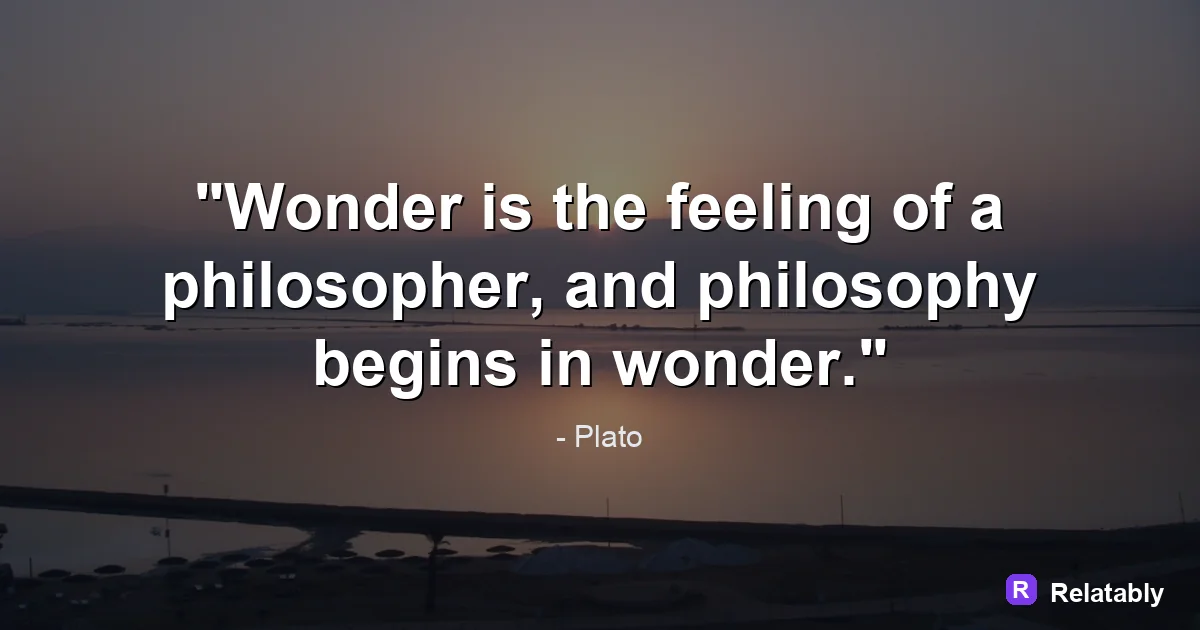
How to give a motivational quote the bold, high-energy look.
On this page
A motivational quote image pairs a punchy line with a bold, energetic look. Use strong contrast, a confident font, and a background that feels like forward motion.
Writing a line that pushes people forward
Motivation lives in the verb. Lines that tell someone to act hit harder than lines that just describe a feeling. Try something like Start before you feel ready.
Keep it short and direct. A reader should be able to repeat it back after one look, because the lines that stick are the ones people carry into the rest of their day.
Write to a single person, not a crowd. When a line feels like it was meant for you, it lands harder than a broad message aimed at everyone at once.
- Open with an action word when you can
- Speak to one person, using you
- Promise effort, not magic
- Cut hedging words like maybe or try to
- End on the payoff, like grow, win, or rise
Using strong contrast to grab attention
Motivational images need to stop the scroll. High contrast does that. White text on a dark background, or dark text on a bright one, reads instantly even on a small phone screen.
Weak contrast makes a line feel sleepy. If your text blends into the background, the energy drains out of the message.
Backgrounds that signal energy and movement
The right background sets the mood before anyone reads a word. Deep bold colors, a sunrise tone, or a steep gradient all hint at momentum.
Match the background to the feeling of your line. A calm line wants a calmer field, while a fierce line can take a stronger one.
Avoid backgrounds so busy that they swallow the text. If a photo has too much detail, dim it with a dark layer so the words stay the clear hero of the image.
| Background type | Feeling it sends |
|---|---|
| Dark to bright gradient | Rising and hopeful |
| Bold solid red or orange | Urgent and fired up |
| Deep blue | Steady and focused |
| Sunrise photo, dimmed | Fresh start |
Picking a confident, easy to read font
Motivational text usually wants a bold weight. A heavy sans serif feels sure of itself and reads from a distance. Save thin and delicate fonts for softer topics.
Pick one font and one accent. You can make a single key word larger or brighter to drive the point home, but do not bold every line or it stops standing out.
Where the words land on the canvas
Placement changes how strong a line feels. Centered text reads bold and balanced. Text pushed to the lower third leaves room for a sky or open background above it.
Keep margins so the words never touch the edges. Cramped text looks rushed, and a motivational image should look sure of itself.
What makes a motivational image work
Matching the image to where it will live
A motivational image hits differently depending on the platform, so tailor it. A feed post can be square and bold, while a story can be tall with the line sitting low and a wide sky above.
Think about the moment a viewer sees it too. A line built for a Monday morning feed can be sharper and more urgent, while one meant for a calm evening post can ease off the gas a little.
Whatever the spot, keep the core line the same so your message stays consistent. You can resize one strong design for several places instead of starting over each time.
- Square 1080 by 1080 for feed posts
- Tall 1080 by 1920 for stories
- Keep the wording identical across sizes
- Adjust margins, not the message
Making one in minutes and posting it
Open the Quote Maker, type your action line, and choose a bold background with high contrast text. Bump the font to a heavy weight and center it.
Export a square for the feed and a tall version for stories. Posting in the morning often catches people while they plan their day, when a push to act lands best.
Before you share it, shrink the image on your screen and check that the line still reads. If it survives a small preview, it will work in a fast scrolling feed.
To go deeper, read writing your own quote, short quotes for images, make a quote image, and Bible verse images.
Background and quote-library pairing
High-energy quotes can use stronger backgrounds if the type remains bold and clear.
| Decision | Recommendation |
|---|---|
| Background categories | Mountains, City, Ocean |
| Quote-library move | Search by mood first, then adjust font and spacing around the selected line. |
| Readability check | Add a darken layer or switch text color before changing the quote itself. |
- Pick the quote before the background if the wording is the hero.
- Pick the background first if the mood or platform is already fixed.
- Keep attribution smaller than the quote but large enough to read.