Caption the Fake search Meme Template
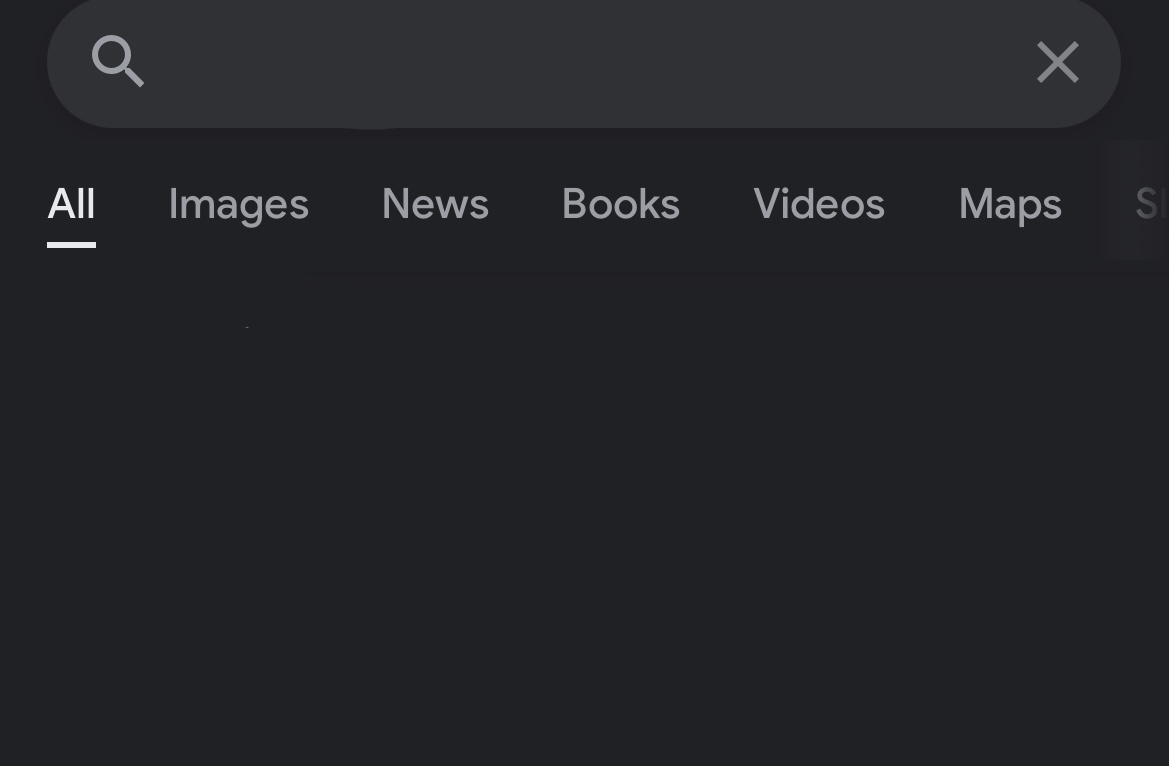
Fake Search presents a mock search engine results page with a fabricated query and results, used to imply that information is publicly available and obvious to anyone willing to look it up. The format is often used to mock people for asking questions with easily searchable answers or to deliver punchlines through fake autocomplete suggestions.
Caption this template- Category
- Text and Sign Meme Templates
- Size
- 1169 x 766 px
- Format
- Image
- Price
- Free, no sign up
Where the Fake search meme comes from
The format emerged from internet culture's long tradition of 'just Google it' dismissals, with editable search bar templates appearing on meme generator sites in the early 2010s. The Google search interface's visual familiarity made it an instantly legible vehicle for jokes about what people are allegedly searching.
How to caption the Fake search meme
Type a damning or embarrassing search query into the fake bar and populate the results with increasingly specific evidence of the behavior being mocked. Alternatively, use the autocomplete suggestions to imply that whatever embarrassing thing you do is so common it fills the dropdown. Open it in the meme generator, or read the caption card guide for more.
Fake search caption ideas
Need a starting point? Try one of these on the Fake search template, then make it your own in the meme generator.
- Search bar: 'how to reply to email I ignored for 3 weeks without admitting I ignored it'
- Autocomplete: 'is it normal to' → 'cry at the gym' → 'cry in the parking lot' → 'cry on the way to work'
- Search bar: 'how to look busy when boss walks behind desk' - About 4,800,000 results
- Autocomplete: 'why does my code work' → 'why does my code work but not in production' → 'why does my code not work anymore and I changed nothing'
- Search bar: 'restaurants open now near me that aren't a 40 minute decision in the group chat'
Best uses for the Fake search template
Use the Fake search template when the joke fits a text and sign format and the image can explain the feeling before the reader finishes the caption. It is strongest for labels, announcements, warnings, and quote-style memes.
This blank is 1169 x 766 px and is a still image, so place the most important words where they stay readable after a feed crop. The wide frame works best when the caption stays centered so timeline crops do not cut off the joke.
The sample captions are more detailed, so trim aggressively before posting on small screens. Before exporting, read the caption once without looking at the image; if it still needs a long explanation, switch to a simpler setup or a more obvious related template.
Caption patterns to try
| Pattern | Why it works |
|---|---|
| Search bar: 'how to reply to email I ignored for 3 weeks without admitting I ignored it' | This works because it gives the reader a specific situation instead of a vague label. |
| Autocomplete: 'is it normal to' → 'cry at the gym' → 'cry in the parking lot' → 'cry on the way to work' | This pattern keeps the setup concrete, which helps the template carry the reaction. |
| Search bar: 'how to look busy when boss walks behind desk' - About 4,800,000 results | This is a useful direction when you want the punchline to feel personal or self-aware. |
Common mistakes with this blank
- Writing a caption that explains the whole joke instead of letting the Fake search image do part of the work.
- Placing text over the most expressive part of the image, especially faces, gestures, signs, or the main action.
- Using three different ideas in one meme. This template works better when it points at one clear situation.
- Exporting before checking the meme at phone size. If the smallest words blur together, shorten the caption first.