
Making a Caption Card Meme, Step by Step
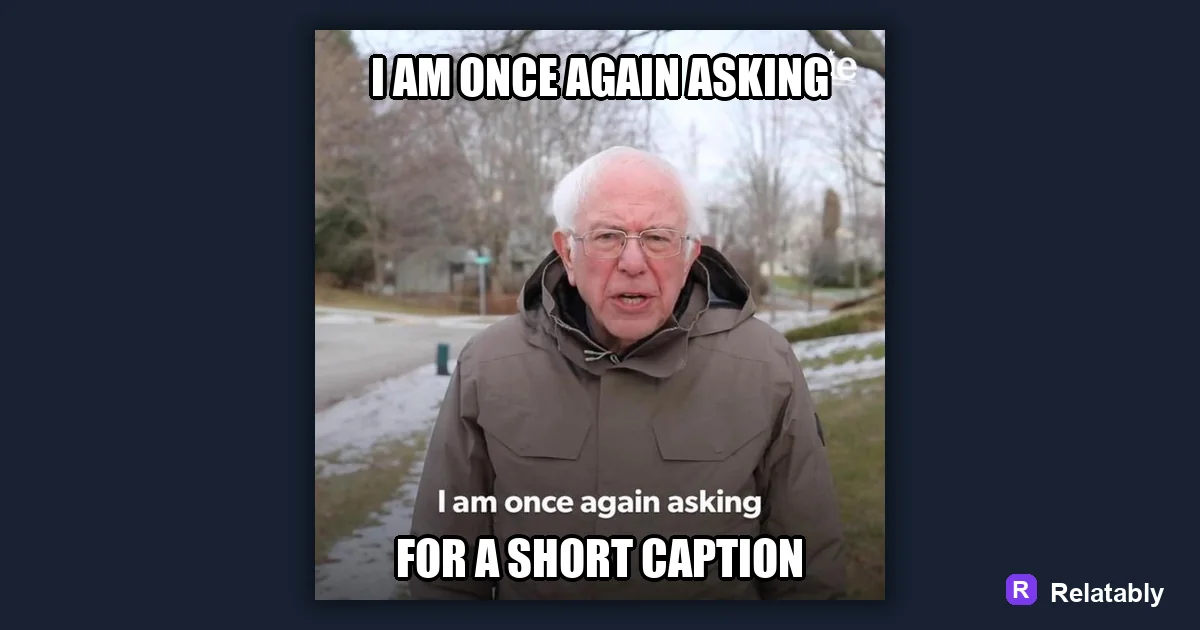
How to use the modern caption card format.
On this page
A caption card meme places a short text bar above or below an image, kept separate from the photo on a solid background. Type your line on a clean strip, keep it short, and let the image react underneath.
What makes a caption card different from a normal meme
In a caption card, the words live on their own block of color instead of sitting over the photo. The image and the text stay in separate zones, which is the whole point of the format.
This style reads clean and works great when the photo is busy. The solid bar gives the text guaranteed contrast no matter what the picture looks like, so you never have to fight a cluttered background.
You have probably seen this layout on screenshot-style jokes and news-spoof posts. The plain bar makes it feel almost like a headline sitting over a picture.
Building the text strip above or below the photo
Start with your image, then add a strip of solid color, usually white or black, on the top or bottom edge. Your caption goes on that strip, fully separate from the photo below or above it.
Keep the strip tall enough to hold one or two lines of text comfortably. Too thin and the words feel squeezed, too tall and the bar starts to swallow the image.
Match the strip to the full width of the image so the edges line up. A bar that stops short of the sides looks unfinished.
- Pick white text on black, or black text on white
- Place the strip above the image for a setup feel
- Place it below for a reaction or reveal
- Match the strip width to the full image width
Writing one line that does all the work
Caption cards live on a single sharp sentence. There is no second panel to lean on, so the line has to land on its own and carry the entire joke.
Write it like a tweet. Short, specific, and conversational beats clever and long, because the bar leaves no room to ramble.
Read your line back and ask whether the image adds anything to it. If the picture and the words say the same thing twice, change one of them so they work together.
Choosing a font that reads on a plain bar
Because the background is already a clean color, you do not need the heavy outlines a normal meme requires. A simple bold sans-serif looks crisp here and keeps the focus on the words.
This is one meme style where Impact often feels wrong. Reach for something cleaner instead, since the format leans modern rather than loud.
The table sums up the choices that keep a caption card looking sharp.
| Element | Caption card choice | Reason |
|---|---|---|
| Background bar | Solid white or black | Guaranteed contrast |
| Font | Bold sans-serif | Clean and readable |
| Outline | None needed | Bar already provides contrast |
| Line count | One or two | Keeps it punchy |
Balancing the strip and image so neither crowds the other
If the text bar eats half the frame, the image loses its impact. If it is too thin, the words cramp. Aim for a strip that holds the text with a little breathing room above and below the line.
Center the caption on the bar and keep even margins on the sides. Tidy spacing is what makes the whole thing look intentional rather than thrown together.
The chart shows how the look holds up at different strip heights. A balanced bar wins easily, while extremes in either direction pull the design down.
How strip height affects a caption card look
Putting the whole card together quickly
You can assemble a caption card in a couple of minutes by adding a color strip and a text box in the Meme Generator, then dropping your image into the open space.
Once your layout is set, you can reuse it for a whole series. A consistent caption card style is an easy way to build a recognizable look that people start to spot in their feed.
Save your finished card at full size so the bar and text stay crisp. A clean export is what keeps the headline feel intact when the meme gets shared around.
To go deeper, read the meme template guide, top and bottom text memes, make a meme, and reaction meme ideas and how to make them.
Best template direction for this meme
Caption-card formats work when the written line needs to be the main joke.
| Decision | Recommendation |
|---|---|
| Start with | Text/Signs |
| Caption length | One short setup line, plus a payoff only if the format needs it. |
| Editor move | Open a blank template, add text boxes, then drag captions away from faces and key details. |
- Browse the template category before writing the final caption.
- Test one literal caption and one exaggerated caption; keep the faster one.
- Export and check the meme at phone size before posting.