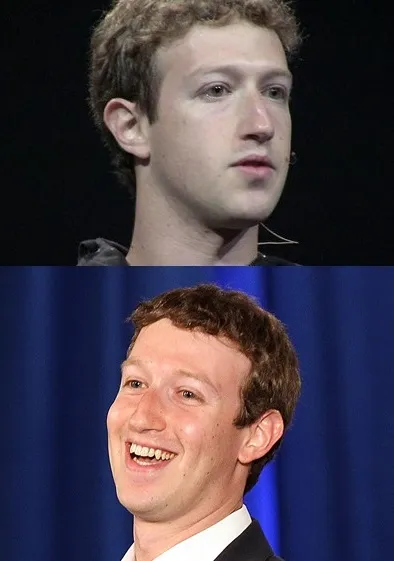
Caption the Simsimi Meme Template
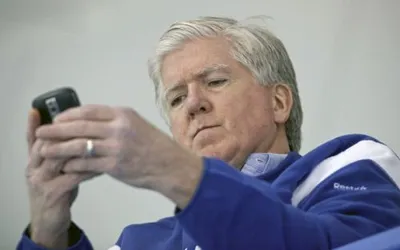
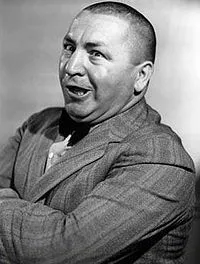
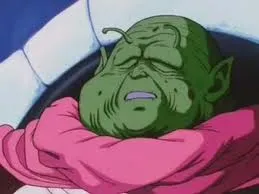
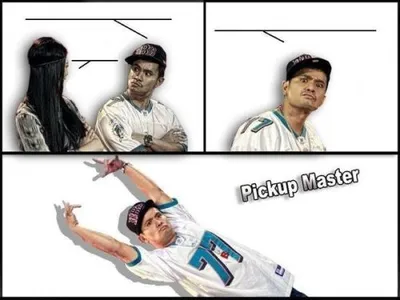
Simsimi is a meme format based on the Simsimi chatbot app, which became popular in the early 2010s for generating absurd, rude, or nonsensical responses to user inputs. Screenshots of Simsimi's unexpected or offensive replies were shared widely as humor content. The format highlights the gap between what users expected from a 'friendly' chatbot and what they actually received.
Caption this template- Category
- Situation Meme Templates
- Size
- 320 x 320 px
- Format
- Image
- Price
- Free, no sign up
Where the Simsimi meme comes from
Simsimi is an AI chatbot developed by ISMaker, a South Korean company, originally launched around 2002 but gaining viral popularity internationally around 2012-2013 through its mobile app. Users discovered that the chatbot, which learned from user-submitted responses, had been trained with a large amount of crude and bizarre content, leading to memorably strange exchanges.
How to caption the Simsimi meme
Top text: 'Asked Simsimi how my day would go' and bottom text: 'It told me to delete myself. Helpful.' Use it to reference the specific brand of chaos that came from chatbots trained on uncurated user input before content moderation was taken seriously. Open it in the meme generator, or read how to make relatable memes for more.
Simsimi caption ideas
Need a starting point? Try one of these on the Simsimi template, then make it your own in the meme generator.
- Top: Asked Simsimi to cheer me up / Bottom: It told me my favorite team would lose. Thanks
- Top: Typed 'how are you' to be polite / Bottom: It called me a coward and logged off
- Top: Wanted a friendly chat after a long day / Bottom: Got roasted harder than the group chat ever has
- Top: Asked Simsimi for life advice / Bottom: It said 'have you tried being someone else'
- Top: Said hi to the cute little chatbot / Bottom: It replied with something I can't repeat at work
Best uses for the Simsimi template
Use the Simsimi template when the joke fits a situation format and the image can explain the feeling before the reader finishes the caption. It is strongest for relatable everyday moments, before-and-after jokes, and social observations.
This blank is 320 x 320 px and is a still image, so place the most important words where they stay readable after a feed crop. The near-square frame is flexible for feeds, group chats, Reddit, and Discord.
The sample captions are more detailed, so trim aggressively before posting on small screens. Before exporting, read the caption once without looking at the image; if it still needs a long explanation, switch to a simpler setup or a more obvious related template.
Caption patterns to try
| Pattern | Why it works |
|---|---|
| Top: Asked Simsimi to cheer me up / Bottom: It told me my favorite team would lose. Thanks | This works because it gives the reader a specific situation instead of a vague label. |
| Top: Typed 'how are you' to be polite / Bottom: It called me a coward and logged off | This pattern keeps the setup concrete, which helps the template carry the reaction. |
| Top: Wanted a friendly chat after a long day / Bottom: Got roasted harder than the group chat ever has | This is a useful direction when you want the punchline to feel personal or self-aware. |
Common mistakes with this blank
- Writing a caption that explains the whole joke instead of letting the Simsimi image do part of the work.
- Placing text over the most expressive part of the image, especially faces, gestures, signs, or the main action.
- Using three different ideas in one meme. This template works better when it points at one clear situation.
- Exporting before checking the meme at phone size. If the smallest words blur together, shorten the caption first.