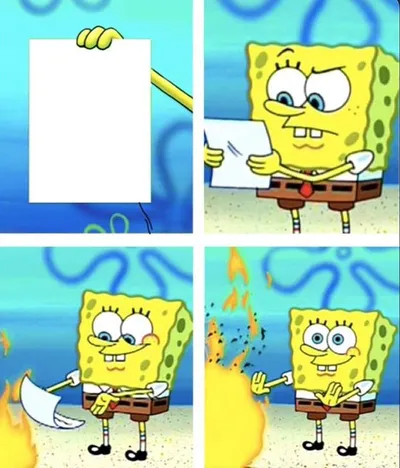
Caption the Spongebob - "I Don't Need It" (by Henry-C) Meme Template
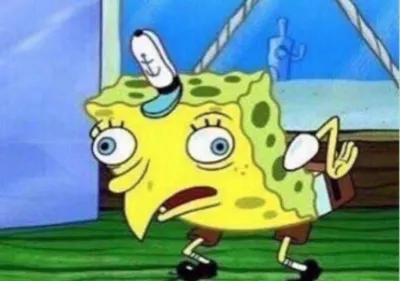
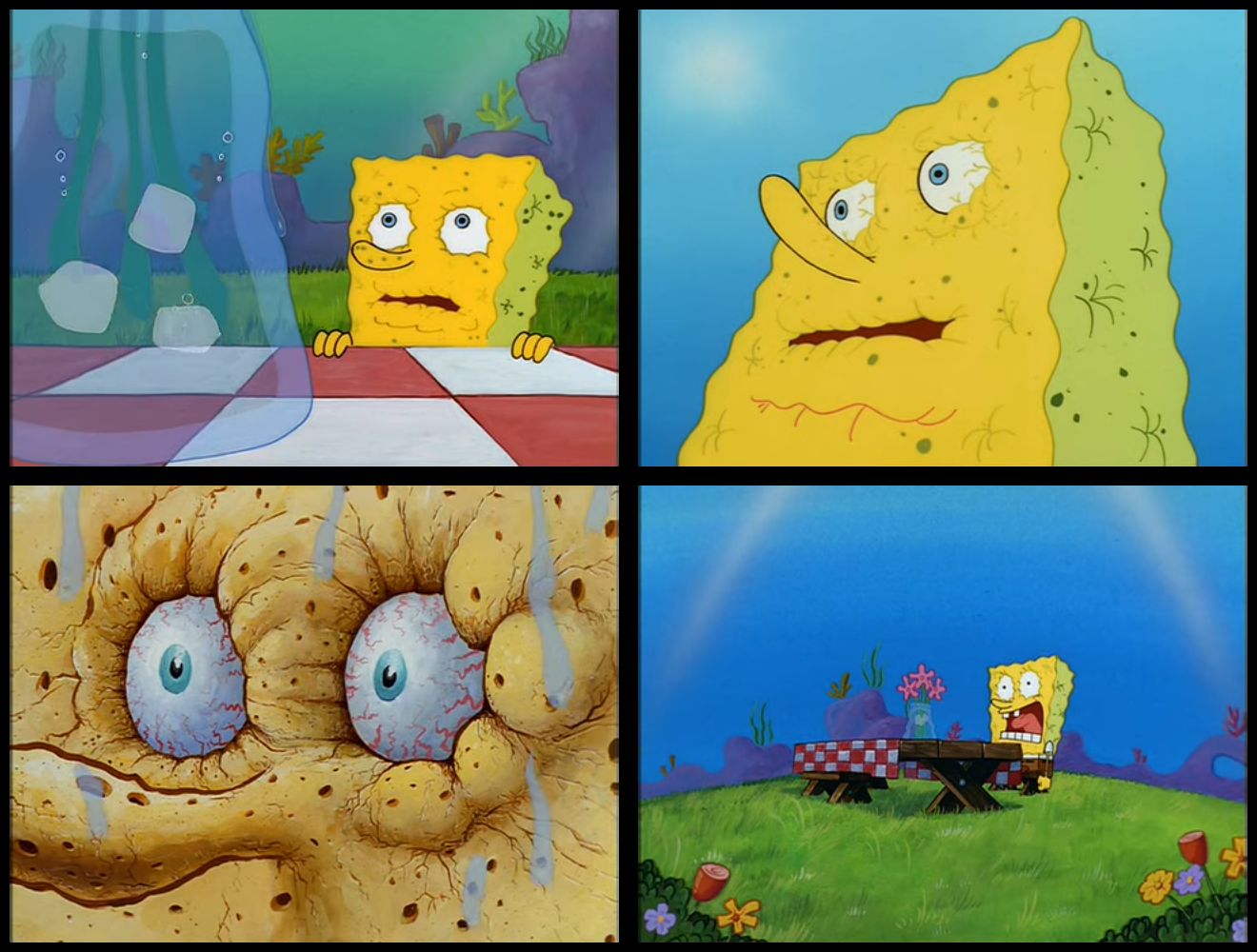
Spongebob I Do Not Need It features SpongeBob SquarePants white-knuckling a pole while muttering the phrase before eventually caving and exclaiming that he needs it. It depicts the internal struggle of resisting a temptation or unnecessary purchase before inevitably giving in.
Caption this template- Category
- Movie and TV Meme Templates
- Size
- 1320 x 1000 px
- Format
- Image
- Price
- Free, no sign up
Where the Spongebob - "I Don't Need It" (by Henry-C) meme comes from
The scene is from the SpongeBob SquarePants animated series in which SpongeBob desperately restrains himself from something he clearly wants. The specific clip became a widely shared meme format in the 2010s often captioned in stages to show escalating desire and eventual surrender.
How to caption the Spongebob - "I Don't Need It" (by Henry-C) meme
Caption the restraint panels with whatever you are trying not to want then cap the final I NEED IT panel with the moment of surrender. The setup works best when the thing you supposedly do not need is something obviously irresistible or ridiculous. Open it in the meme generator, or read why memes go viral for more.
Spongebob - "I Don't Need It" (by Henry-C) caption ideas
Need a starting point? Try one of these on the Spongebob - "I Don't Need It" (by Henry-C) template, then make it your own in the meme generator.
- Panel 1 (gripping pole): I don't need another pair of sneakers / Panel 2: I don't need them / Panel 3 (screaming): I NEED THEM
- Panel 1: I don't need to check if my ex posted / Panel 2: I don't need to / Panel 3: I NEED TO
- Panel 1: I don't need a third monitor to be productive / Panel 2: I don't need it / Panel 3: I NEED IT
- Panel 1: I don't need to add anything to hit free shipping / Panel 2: I don't need it / Panel 3: I NEED A $4 ITEM TO SAVE $6 ON SHIPPING
- Panel 1: I don't need to start a new hobby at midnight / Panel 2: I don't need it / Panel 3: I NEED IT
Best uses for the Spongebob - "I Don't Need It" (by Henry-C) template
Use the Spongebob - "I Don't Need It" (by Henry-C) template when the joke fits a movie and TV format and the image can explain the feeling before the reader finishes the caption. It is strongest for recognizable scenes, character reactions, and pop-culture punchlines.
This blank is 1320 x 1000 px and is a still image, so place the most important words where they stay readable after a feed crop. The wide frame works best when the caption stays centered so timeline crops do not cut off the joke.
The sample captions are more detailed, so trim aggressively before posting on small screens. Before exporting, read the caption once without looking at the image; if it still needs a long explanation, switch to a simpler setup or a more obvious related template.
Caption patterns to try
| Pattern | Why it works |
|---|---|
| Panel 1 (gripping pole): I don't need another pair of sneakers / Panel 2: I don't need them / Panel 3 (screaming): I NEED THEM | This works because it gives the reader a specific situation instead of a vague label. |
| Panel 1: I don't need to check if my ex posted / Panel 2: I don't need to / Panel 3: I NEED TO | This pattern keeps the setup concrete, which helps the template carry the reaction. |
| Panel 1: I don't need a third monitor to be productive / Panel 2: I don't need it / Panel 3: I NEED IT | This is a useful direction when you want the punchline to feel personal or self-aware. |
Common mistakes with this blank
- Writing a caption that explains the whole joke instead of letting the Spongebob - "I Don't Need It" (by Henry-C) image do part of the work.
- Placing text over the most expressive part of the image, especially faces, gestures, signs, or the main action.
- Using three different ideas in one meme. This template works better when it points at one clear situation.
- Exporting before checking the meme at phone size. If the smallest words blur together, shorten the caption first.