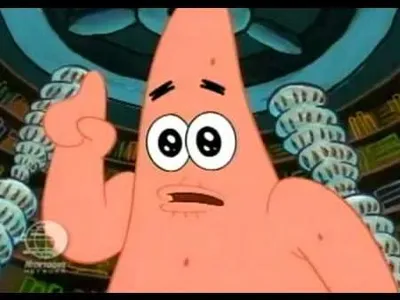
Caption the Talk To Spongebob Meme Template
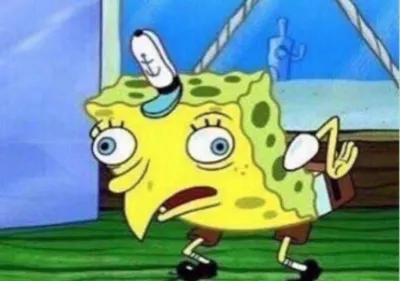
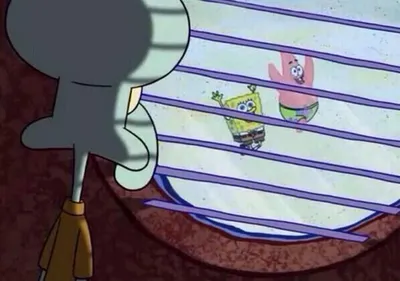
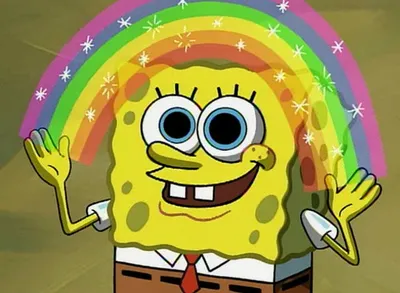
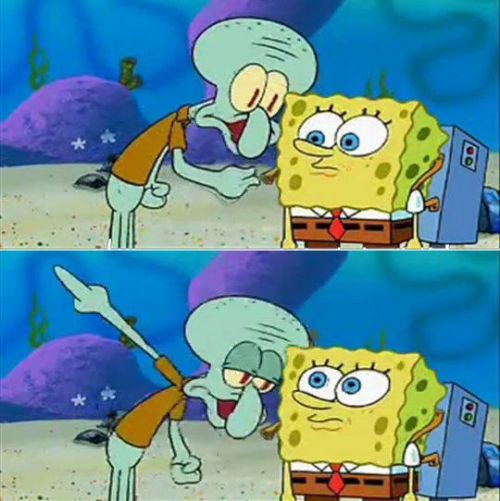
Talk To Spongebob is a Movies/TV template derived from SpongeBob SquarePants, featuring a scene or still where Spongebob appears to be listening attentively or responding in conversation. It is used as a multi-panel dialogue setup where the top caption represents someone complaint or statement and Spongebob expression provides the comedic punchline.
Caption this template- Category
- Movie and TV Meme Templates
- Size
- 500 x 501 px
- Format
- Image
- Price
- Free, no sign up
Where the Talk To Spongebob meme comes from
The template is derived from SpongeBob SquarePants, the Nickelodeon animated series created by Stephen Hillenburg that premiered in 1999. SpongeBob expressive face and well-known episodic moments have provided an enormous library of reaction images and multi-panel meme formats that have dominated meme culture since at least the mid-2010s.
How to caption the Talk To Spongebob meme
Structure the caption as a two-part exchange where the top text represents someone venting or explaining their problem and Spongebob expression provides the reaction, whether sympathy, judgment, or complete indifference. Choose a Spongebob still whose expression precisely matches the emotional register of the punchline you want to land. Open it in the meme generator, or read why memes go viral for more.
Talk To Spongebob caption ideas
Need a starting point? Try one of these on the Talk To Spongebob template, then make it your own in the meme generator.
- Top: I just need to vent for a second, my boss is impossible / Bottom: SpongeBob nodding while clearly not listening at all
- Top: So then he texted 'k' and I don't know what it means / Bottom: SpongeBob staring with deep, unhelpful concern
- Top: I think I made a huge mistake buying this car / Bottom: SpongeBob smiling supportively while internally screaming
- Top: Be honest, does this code look fine to you? / Bottom: SpongeBob's face that says 'absolutely not'
- Top: I'm only having one drink tonight, I swear / Bottom: SpongeBob's knowing, skeptical side-eye
Best uses for the Talk To Spongebob template
Use the Talk To Spongebob template when the joke fits a movie and TV format and the image can explain the feeling before the reader finishes the caption. It is strongest for recognizable scenes, character reactions, and pop-culture punchlines.
This blank is 500 x 501 px and is a still image, so place the most important words where they stay readable after a feed crop. The near-square frame is flexible for feeds, group chats, Reddit, and Discord.
The sample captions are more detailed, so trim aggressively before posting on small screens. Before exporting, read the caption once without looking at the image; if it still needs a long explanation, switch to a simpler setup or a more obvious related template.
Caption patterns to try
| Pattern | Why it works |
|---|---|
| Top: I just need to vent for a second, my boss is impossible / Bottom: SpongeBob nodding while clearly not listening at all | This works because it gives the reader a specific situation instead of a vague label. |
| Top: So then he texted 'k' and I don't know what it means / Bottom: SpongeBob staring with deep, unhelpful concern | This pattern keeps the setup concrete, which helps the template carry the reaction. |
| Top: I think I made a huge mistake buying this car / Bottom: SpongeBob smiling supportively while internally screaming | This is a useful direction when you want the punchline to feel personal or self-aware. |
Common mistakes with this blank
- Writing a caption that explains the whole joke instead of letting the Talk To Spongebob image do part of the work.
- Placing text over the most expressive part of the image, especially faces, gestures, signs, or the main action.
- Using three different ideas in one meme. This template works better when it points at one clear situation.
- Exporting before checking the meme at phone size. If the smallest words blur together, shorten the caption first.