Caption the Three Buttons Meme Template
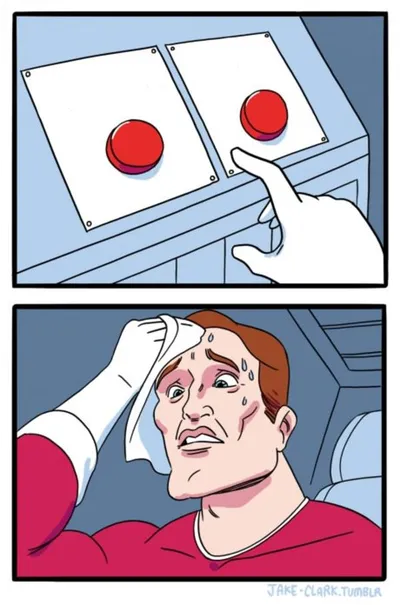
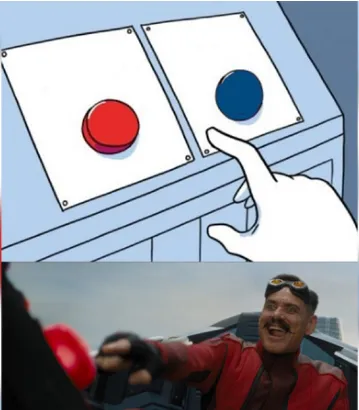
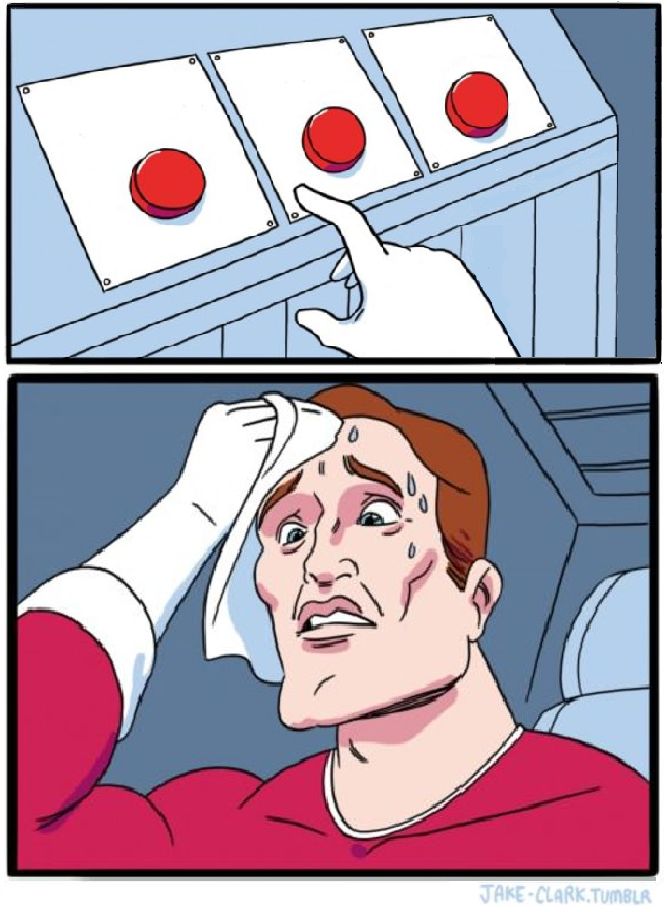
Three Buttons features a sweating, panicked man hovering his finger over three labeled buttons, unable to decide which one to press. It is used to depict situations of difficult choice, overload of appealing options, or humorous indecision between competing desires.
Caption this template- Category
- Comparison Meme Templates
- Size
- 667 x 912 px
- Format
- Image
- Price
- Free, no sign up
Where the Three Buttons meme comes from
From the Japanese anime 'He Is My Master' (Kore ga Watashi no Goshujin-sama), a 2005 series, comes this image. Around the early 2010s, the specific frame of a flustered character reaching toward control buttons became a reaction image on English-language meme communities.
How to caption the Three Buttons meme
Label each button with a tempting but mutually exclusive option and caption the man as yourself or a relatable group facing the impossible pick. Use all three buttons to escalate absurdity, making the third option the most chaotic or self-destructive choice. Open it in the meme generator, or read the comparison meme guide for more.
Three Buttons caption ideas
Need a starting point? Try one of these on the Three Buttons template, then make it your own in the meme generator.
- Sweating, finger over: Button 1: go to bed early / Button 2: start the show everyone's talking about / Button 3: reorganize my entire life at 1am
- Me at the ATM: Button 1: pay rent / Button 2: groceries for the month / Button 3: a flight to literally anywhere
- Panicking over: Button 1: study for the exam / Button 2: clean the apartment / Button 3: nap and pretend neither exists
- Button 1: text them back like a normal person / Button 2: wait three days to seem cool / Button 3: delete the app and move to the woods
- Button 1: finally use the gym membership / Button 2: order the burger / Button 3: order the burger AND cancel the gym membership
Best uses for the Three Buttons template
Use the Three Buttons template when the joke fits a comparison format and the image can explain the feeling before the reader finishes the caption. It is strongest for this-versus-that jokes, ranked choices, and option contrasts.
This blank is 667 x 912 px and is a still image, so place the most important words where they stay readable after a feed crop. The tall frame gives you room for a short setup near the top and a payoff below the main subject.
The sample captions are more detailed, so trim aggressively before posting on small screens. Before exporting, read the caption once without looking at the image; if it still needs a long explanation, switch to a simpler setup or a more obvious related template.
Caption patterns to try
| Pattern | Why it works |
|---|---|
| Sweating, finger over: Button 1: go to bed early / Button 2: start the show everyone's talking about / Button 3: reorganize my entire life at 1am | This works because it gives the reader a specific situation instead of a vague label. |
| Me at the ATM: Button 1: pay rent / Button 2: groceries for the month / Button 3: a flight to literally anywhere | This pattern keeps the setup concrete, which helps the template carry the reaction. |
| Panicking over: Button 1: study for the exam / Button 2: clean the apartment / Button 3: nap and pretend neither exists | This is a useful direction when you want the punchline to feel personal or self-aware. |
Common mistakes with this blank
- Writing a caption that explains the whole joke instead of letting the Three Buttons image do part of the work.
- Placing text over the most expressive part of the image, especially faces, gestures, signs, or the main action.
- Using three different ideas in one meme. This template works better when it points at one clear situation.
- Exporting before checking the meme at phone size. If the smallest words blur together, shorten the caption first.