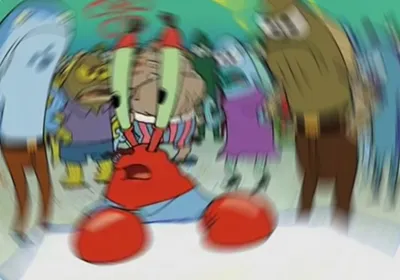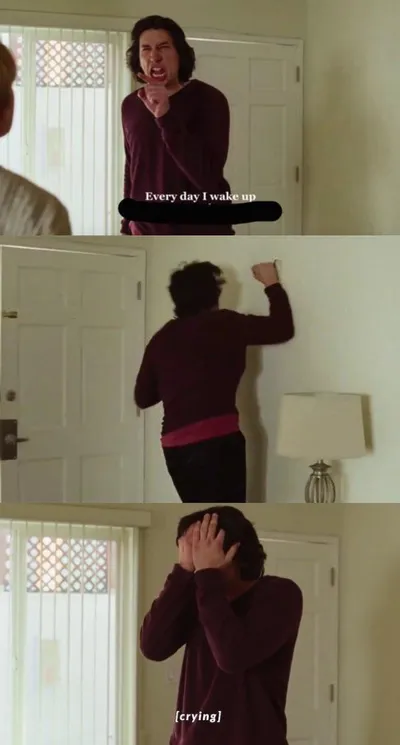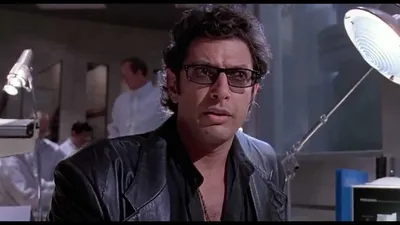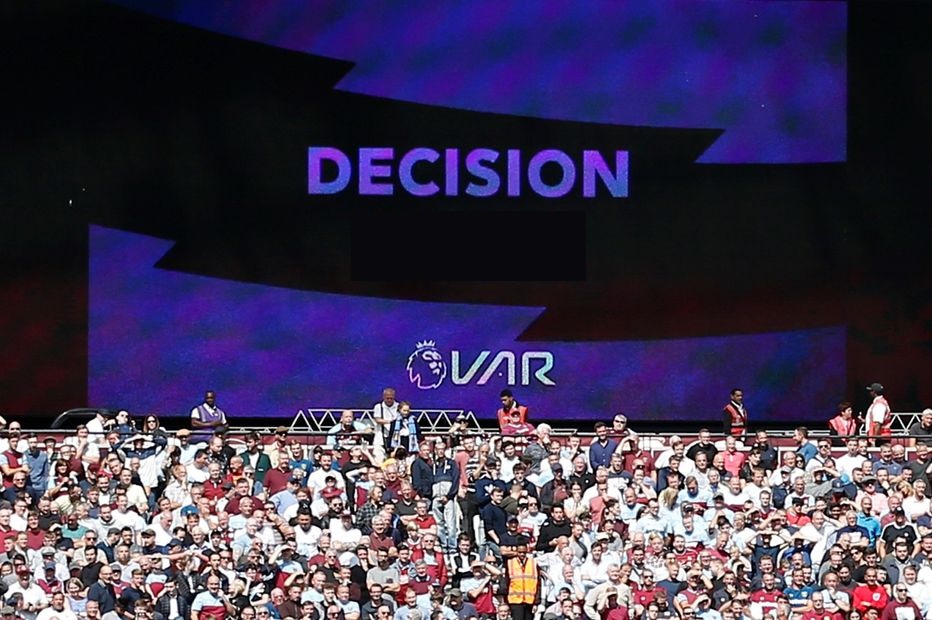
Caption the VAR Video Assistant Referee Meme Template
The VAR (Video Assistant Referee) template draws from the controversial soccer/football technology used to review on-field decisions, used to represent the act of going back and reviewing evidence that completely changes the outcome of a situation. It captures the frustration of having a victory overturned by a technicality found on closer inspection.
Caption this template- Category
- Situation Meme Templates
- Size
- 932 x 620 px
- Format
- Image
- Price
- Free, no sign up
Where the VAR Video Assistant Referee meme comes from
VAR was introduced to professional football (soccer) and became widely used in major leagues and tournaments through the 2010s, gaining particular notoriety during the 2018 FIFA World Cup. The technology's frequent goal disallowances and match-altering interventions made it a cultural flashpoint, and its name became meme shorthand for retroactive correction.
How to caption the VAR Video Assistant Referee meme
Use VAR as the thing that goes back and finds the small detail that ruins what seemed like a clear win or successful moment. Caption it with the specific technicality or piece of evidence that the review found to overturn what everyone thought was settled. Open it in the meme generator, or read how to make relatable memes for more.
VAR Video Assistant Referee caption ideas
Need a starting point? Try one of these on the VAR Video Assistant Referee template, then make it your own in the meme generator.
- Me: finally inbox zero! / VAR reviewing: 12 emails were in spam and three needed a reply yesterday
- Me: I parallel parked perfectly / VAR: you're 14 inches from the curb and slightly on the crosswalk
- Me: passed the test, nailed it / VAR: reviewing question 7 where you put C and the answer was 'C but also no'
- Me: I finished the sprint early / VAR: going back to find the bug you shipped to production
- Me: that recipe came out amazing / VAR reviewing: you forgot the salt, the eggs, and to preheat the oven
Best uses for the VAR Video Assistant Referee template
Use the VAR Video Assistant Referee template when the joke fits a situation format and the image can explain the feeling before the reader finishes the caption. It is strongest for relatable everyday moments, before-and-after jokes, and social observations.
This blank is 932 x 620 px and is a still image, so place the most important words where they stay readable after a feed crop. The wide frame works best when the caption stays centered so timeline crops do not cut off the joke.
The sample captions are more detailed, so trim aggressively before posting on small screens. Before exporting, read the caption once without looking at the image; if it still needs a long explanation, switch to a simpler setup or a more obvious related template.
Caption patterns to try
| Pattern | Why it works |
|---|---|
| Me: finally inbox zero! / VAR reviewing: 12 emails were in spam and three needed a reply yesterday | This works because it gives the reader a specific situation instead of a vague label. |
| Me: I parallel parked perfectly / VAR: you're 14 inches from the curb and slightly on the crosswalk | This pattern keeps the setup concrete, which helps the template carry the reaction. |
| Me: passed the test, nailed it / VAR: reviewing question 7 where you put C and the answer was 'C but also no' | This is a useful direction when you want the punchline to feel personal or self-aware. |
Common mistakes with this blank
- Writing a caption that explains the whole joke instead of letting the VAR Video Assistant Referee image do part of the work.
- Placing text over the most expressive part of the image, especially faces, gestures, signs, or the main action.
- Using three different ideas in one meme. This template works better when it points at one clear situation.
- Exporting before checking the meme at phone size. If the smallest words blur together, shorten the caption first.