
Turning Your Own Photo Into a Meme
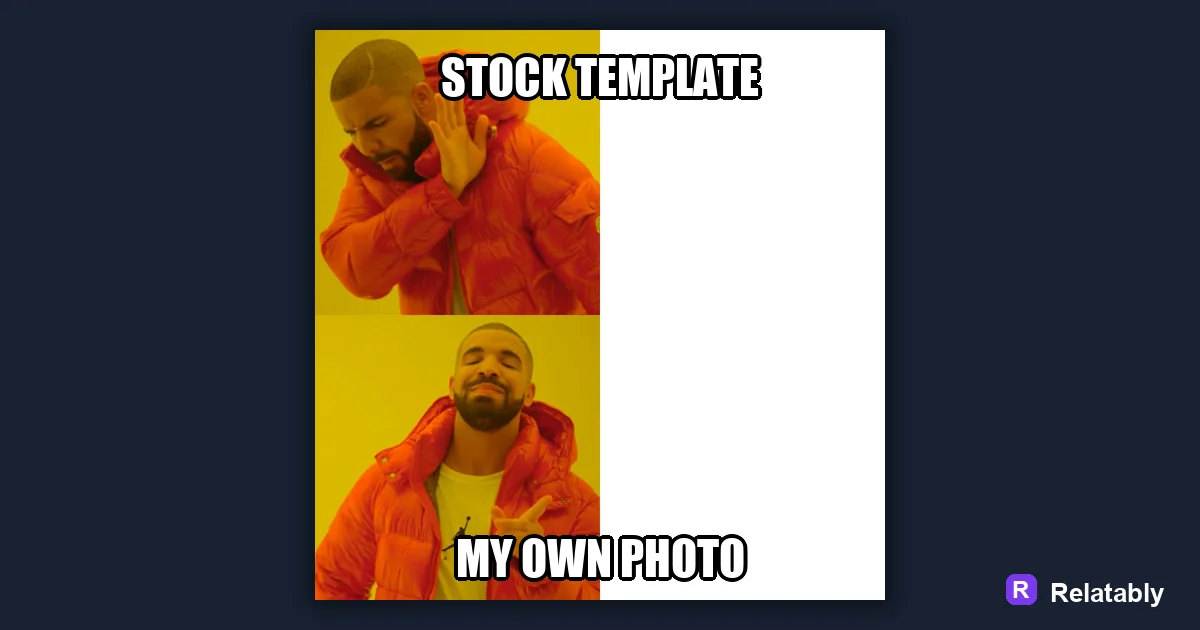
How to use a photo you took as a meme template.
On this page
To make a meme with your own photo, upload the image into a meme tool, crop it so the subject is clear, then add a short caption on top or below. Your photo becomes the template, so the joke leans on what the picture already shows.
Why your own photo beats a stock template
A meme built from your own photo feels personal in a way a recycled template never will. Friends recognize the dog, the messy desk, or the burnt dinner, and that flash of recognition is half the laugh before they even read the caption.
It also keeps your meme original. When the image is yours, you are not competing with a thousand identical posts, and the caption gets to do something fresh instead of riding a format everyone has already seen.
Your own photos carry context that strangers cannot fake. The specific room, the real reaction, the actual mess all add a layer of truth that makes the joke hit harder for the people who know you.
Picking a photo that carries a joke
Not every photo works as a meme. The best ones show a clear expression, an obvious situation, or a funny contrast that a single line of caption can play off without much explaining.
Look for a single strong subject. A photo crammed with five things pulls the eye in every direction and weakens the punchline, while one clear subject gives the caption something solid to point at.
- A clear face or reaction the caption can speak for
- An obvious setting people will instantly read
- Good light so the subject is easy to see
- Empty space where text can sit without covering the subject
Cropping and framing your photo for text
Once you upload your photo into the Meme Generator, crop it so the subject sits where you want and there is room for words. A tight crop removes clutter, sharpens the focus, and makes the meme read fast in a crowded feed.
Leave a band of space at the top or bottom of the frame. That gives your caption a clean home and keeps the text off the subject's face, where it would compete with the very thing that makes the photo funny.
If the original photo is too wide or too tall for where you plan to post, crop to that shape before adding text so nothing important gets cut off later.
Where to place the caption on a personal photo
The right caption spot depends on what is happening in your shot. A reaction needs the face visible, while a wide scene has open sky or wall to work with. Matching the placement to the photo keeps both the image and the words clear.
This table maps common photo types to a placement that lets the picture and the joke share the frame without fighting.
| Photo type | Best text spot | Why |
|---|---|---|
| Pet or person reacting | Below the subject | Keeps the face visible |
| Wide scene | Top band | Open sky or wall holds text |
| Close up object | Top and bottom | Sets up and delivers the joke |
How much of the photo to cover with words
Text should support the photo, not bury it. If words swallow the image, viewers lose the visual that made the meme work in the first place, and you might as well have posted plain text.
The chart shows a rough sense of how much of the frame to give text across different photo styles. Busy photos need less text on top so the eye can still find the subject, while a plain object can carry more.
Share of photo covered by text
Protecting privacy in your photo meme
Personal photos can show more than you mean to. Before you share, scan the background for house numbers, license plates, school logos, or anyone who did not agree to be posted, because those details travel with the image once it spreads.
If a face or detail should stay private, crop it out or place text over it. A quick check now saves an awkward takedown later, and it keeps the meme about the joke rather than the leak.
- Check the background for addresses or plates
- Get a quick yes from anyone clearly shown
- Crop or cover details you do not want public
To go deeper, read make your own meme template, making a meme on your phone, make a meme, and meme sizes for social media.
Turn the idea into a finished meme
Use the template library as a creative constraint: pick the format first, then write the caption to fit that format.
| Decision | Recommendation |
|---|---|
| Template choice | Reaction, comparison, panel, classic, or blank utility |
| Caption test | Can someone understand the setup in under two seconds? |
| Final check | Does the image still work if the caption is read on a small screen? |
- Use a recognizable blank when speed matters.
- Use your own photo when the specific moment is more important than the format.
- Cut any caption word that explains what the image already shows.