
Pairing Two Fonts on a Quote Image
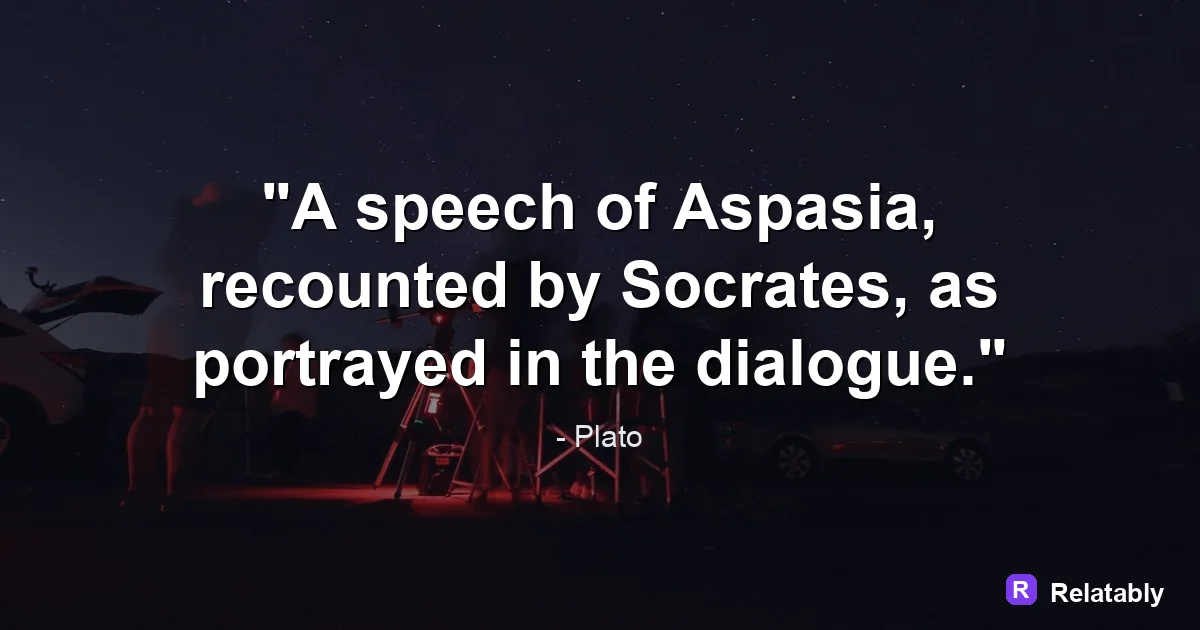
A simple method for combining two fonts so the quote and the author line feel like a set.
On this page
Pair fonts for a quote by combining two styles that contrast but agree in mood, usually one expressive display font for the quote and one plain font for the credit. Stop at two fonts and let size and weight create the rest of the difference.
Use the two font rule for quote layouts
A quote image needs structure, not variety. Two fonts give you all the contrast you need: one for the quote itself and one for the author credit.
Adding a third font usually creates noise. When every part of the layout shouts, nothing stands out. Two voices, one loud and one quiet, read as clean and intentional.
Think of it like a conversation. One font speaks the quote and the other introduces who said it. You do not need a third voice cutting in. Two is enough to feel balanced and finished.
Contrast the shapes, not just the names
Good pairs look clearly different. The classic move is to mix a font with thick and thin strokes against a font with even strokes. Your eye reads that as a deliberate pairing rather than a mistake.
A common trap is choosing two fonts that are almost the same. If two fonts look like cousins, the result feels off without anyone knowing why. Either match exactly or contrast clearly.
You can also pull two weights from a single font family for a safe, no fuss pair. A heavy weight for the quote and a light weight for the credit gives you contrast that is guaranteed to agree, since both come from the same design.
| Quote font | Credit font | Feel |
|---|---|---|
| Tall serif | Plain sans | Editorial |
| Flowing script | Clean sans | Personal |
| Bold slab | Light sans | Modern |
Match the mood to the quote
Fonts carry tone. A flowing script feels warm and human, while a bold slab feels strong and direct. Pick the quote font that matches the feeling of the words.
A gentle reflection paired with a heavy industrial font sends a mixed message. Read your quote aloud, decide the mood, then choose a font that sounds the same.
- Calm or tender quote: soft serif or light script
- Bold or punchy quote: heavy slab or strong sans
- Classic or timeless quote: traditional serif
- Playful quote: rounded or hand drawn style
Let size and weight do the heavy lifting
Once you have two fonts, separate them with size and weight, not more fonts. Make the quote large and the credit small. Make the quote bold and the credit light.
This is called hierarchy. It tells the eye what to read first. Strong hierarchy makes even two simple fonts feel designed.
Reader rating of font pairings (out of 100)
Test the pair at real sizes
A pairing that looks great on a big screen can fall apart small. Thin scripts blur and tight letters smear when the image shrinks in a feed. Always check your fonts at the size people will actually see.
Read the credit line at a small size too. If the author name is hard to read, swap to a plainer, sturdier font for that line.
It helps to test the pair against the background you plan to use. A delicate font that shines on plain white can disappear over a photo. Check the pairing on the real background before you call it done.
Apply your pairing in a few clicks
You can try pairings quickly without any setup. The Quote Maker lets you pick a font for the quote and a different one for the credit, then preview both together.
Swap fonts until the pair feels right, then lock the size and weight. Keep that same pairing across your images so your quotes look like a set.
A consistent pairing does quiet work over time. When every quote you make uses the same two fonts in the same roles, your images start to feel like they belong together, and that recognition builds trust with the people who follow you.
- Pick one expressive quote font
- Pick one plain credit font
- Make the quote large and the credit small
- Check both at small feed size
- Reuse the pair for a consistent look
To go deeper, read best fonts for quote images, quote design principles, making quote images, and common quote image mistakes.
Make the advice practical in the Quote Maker
The fastest way to use this guide is to turn each design choice into a visible editor setting.
| Decision | Recommendation |
|---|---|
| Line choice | Use the quote library or paste a short line of your own. |
| Visual choice | Choose a calm background, then adjust contrast before changing fonts. |
| Export choice | Select the final platform size before downloading the image. |
- Use fewer words when the canvas is small.
- Check the design at phone size before exporting.
- Keep the author or source line visually secondary to the quote.