
Spacing Text on a Quote Image So It Reads Cleanly
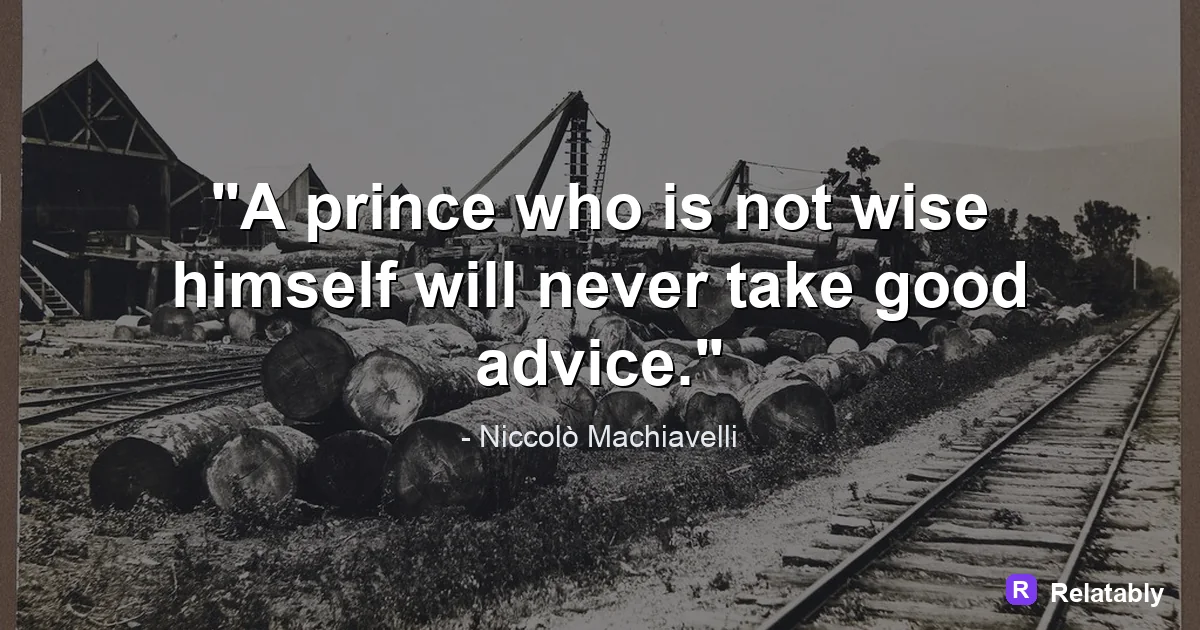
How line height, letter spacing, and margins make a quote feel finished.
On this page
Good spacing on a quote image comes from three controls: line height, letter spacing, and the margin around the block. Set a generous line height, keep letter spacing near normal, and leave even breathing room on every side so the words never feel crowded.
The three spacing controls that matter most
Spacing is not one single setting. It is a small group of controls that work together to make text easy to read on top of an image. When a quote looks off, the problem is almost always hiding in one of these.
People often say a quote looks cramped or messy without knowing why. Usually one of these three controls is set wrong. The good news is that they are easy to fix once you know what each one does.
Learn the names below and you will be able to describe and fix any spacing problem. Fix them in order, from line height down to margin, and the block reads clean.
- Line height: the vertical gap between lines of text
- Letter spacing: the horizontal gap between single letters
- Word spacing: the gap between whole words on a line
- Margin: the empty space between the text block and the image edge
- Alignment: whether text is centered, left, or right
Setting line height for quote blocks
Line height is the single biggest fix for a wall-of-text look. Lines that sit too close together blur into one gray shape when someone scrolls past at speed.
A safe range is 1.3 to 1.6 times the font size. Larger display text can sit a little tighter because the letters are already big and clear. Small body text needs more room so the lines do not collide.
Always test line height at the real export size, not zoomed in on your screen. What looks fine at 200 percent can look jammed at thumbnail size.
| Font size | Suggested line height | Feel |
|---|---|---|
| Large display | 1.2 to 1.35 | Bold and tight |
| Medium | 1.4 to 1.5 | Balanced and calm |
| Small caption | 1.5 to 1.6 | Open and easy |
Tuning letter spacing without breaking the words
Letter spacing, sometimes called tracking, controls the gap between single letters. A tiny change here can make a quote feel premium or make it look careless.
For all-caps lines, add a small amount of letter spacing so the capital letters do not jam together. Caps sit very close by default and need a touch of air. For normal sentence case, leave letter spacing near zero.
A made-up line like Slow mornings build steady days reads best with default spacing. Pull the letters too far apart and the words stop feeling like words.
Why margins decide how much air a quote gets
Margin is the empty space between your text and the image edge. Crowding text against the border makes the whole design feel anxious and unfinished.
Aim to keep at least 8 to 12 percent of the image width clear on each side. On a square post that is a comfortable gutter that keeps the words from touching the frame.
Even margins matter as much as wide ones. If the gap is bigger on the left than the right, the block looks tilted even when the text is centered.
Edge margin as percent of width
Breaking lines so phrases stay together
Where a line breaks changes how a quote reads. Letting the text wrap on its own often splits a phrase in an awkward spot and slows the reader down.
Add manual breaks so related words stay on the same line. Keep small words like the, and, or of from being stranded alone at the end of a line.
Try to make your lines roughly equal in length. A tidy stack of similar lines looks deliberate, while jagged lines look accidental.
- Break after natural pauses, like commas
- Keep short phrases whole on one line
- Avoid one lonely word on the last line
- Aim for similar line lengths for a tidy shape
- Read the broken version out loud to test it
A quick spacing check before you export
Before you save, step back from the screen and squint at the image. If the block looks like one solid gray brick, your line height is too tight and needs opening up.
Then check the four sides. The gap to each edge should feel even, and no letters should touch the frame. This thirty-second check catches most spacing problems.
You can preview all of these controls live in the Quote Maker and nudge each value until the words breathe. Export only once the spacing looks even and calm on every side.
To go deeper, read best fonts for quote images, how to pair fonts for quote images, how to make a quote image, and common quote image mistakes.
Make the advice practical in the Quote Maker
The fastest way to use this guide is to turn each design choice into a visible editor setting.
| Decision | Recommendation |
|---|---|
| Line choice | Use the quote library or paste a short line of your own. |
| Visual choice | Choose a calm background, then adjust contrast before changing fonts. |
| Export choice | Select the final platform size before downloading the image. |
- Use fewer words when the canvas is small.
- Check the design at phone size before exporting.
- Keep the author or source line visually secondary to the quote.