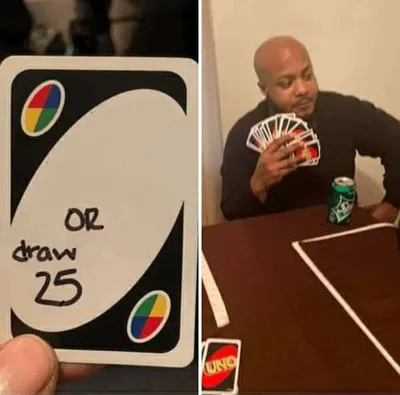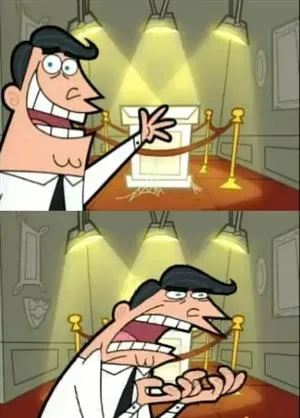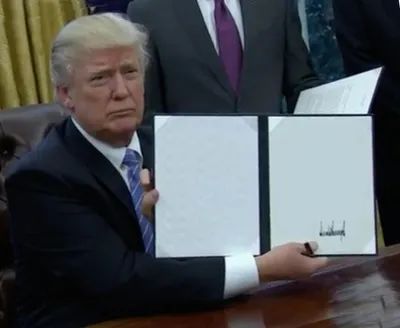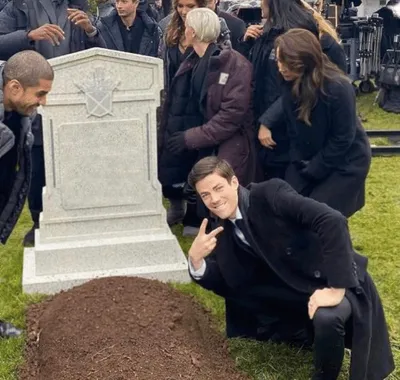
Caption the Spongebob time card background Meme Template
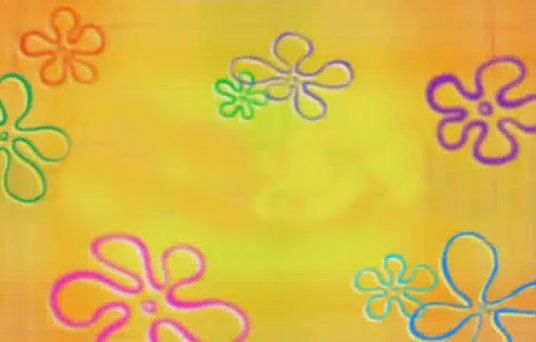
The SpongeBob Time Card Background uses the bold, colorful title cards from SpongeBob SquarePants to mark a scene transition or passage of time, narrated in a French accent. It is used to humorously label the before and after of a situation or introduce a new absurd scenario.
Caption this template- Category
- Text and Sign Meme Templates
- Size
- 536 x 342 px
- Format
- Image
- Price
- Free, no sign up
Where the Spongebob time card background meme comes from
SpongeBob SquarePants premiered on Nickelodeon in 1999, created by Stephen Hillenburg. The French narrator s time card segments with bold text on colorful backgrounds announcing scene changes were repurposed by the meme community as transition or labeling templates starting in the mid-2000s.
How to caption the Spongebob time card background meme
Use the time card to announce a transition between two states, time periods, or scenes in your narrative, keeping the bold announcement style of the original. Adding a mock-French narrator voice in the caption text, such as Three hours later, heightens the SpongeBob authenticity. Open it in the meme generator, or read the caption card guide for more.
Spongebob time card background caption ideas
Need a starting point? Try one of these on the Spongebob time card background template, then make it your own in the meme generator.
- Two Minutes Later... the 'quick' code review is now a 40-comment thread
- Three Hours Later... still 'just picking something to watch'
- One Eternity Later... the laundry is dry but will live in the basket forever
- Five Business Days Later... 'I'll respond to that text in a sec'
- Several Cups Of Coffee Later... the bug was a typo on line 3
Best uses for the Spongebob time card background template
Use the Spongebob time card background template when the joke fits a text and sign format and the image can explain the feeling before the reader finishes the caption. It is strongest for labels, announcements, warnings, and quote-style memes.
This blank is 536 x 342 px and is a still image, so place the most important words where they stay readable after a feed crop. The wide frame works best when the caption stays centered so timeline crops do not cut off the joke.
The sample captions leave room for a setup and a punchline without turning into a paragraph. Before exporting, read the caption once without looking at the image; if it still needs a long explanation, switch to a simpler setup or a more obvious related template.
Caption patterns to try
| Pattern | Why it works |
|---|---|
| Two Minutes Later... the 'quick' code review is now a 40-comment thread | This works because it gives the reader a specific situation instead of a vague label. |
| Three Hours Later... still 'just picking something to watch' | This pattern keeps the setup concrete, which helps the template carry the reaction. |
| One Eternity Later... the laundry is dry but will live in the basket forever | This is a useful direction when you want the punchline to feel personal or self-aware. |
Common mistakes with this blank
- Writing a caption that explains the whole joke instead of letting the Spongebob time card background image do part of the work.
- Placing text over the most expressive part of the image, especially faces, gestures, signs, or the main action.
- Using three different ideas in one meme. This template works better when it points at one clear situation.
- Exporting before checking the meme at phone size. If the smallest words blur together, shorten the caption first.