
Making a Two Panel Meme That Lands
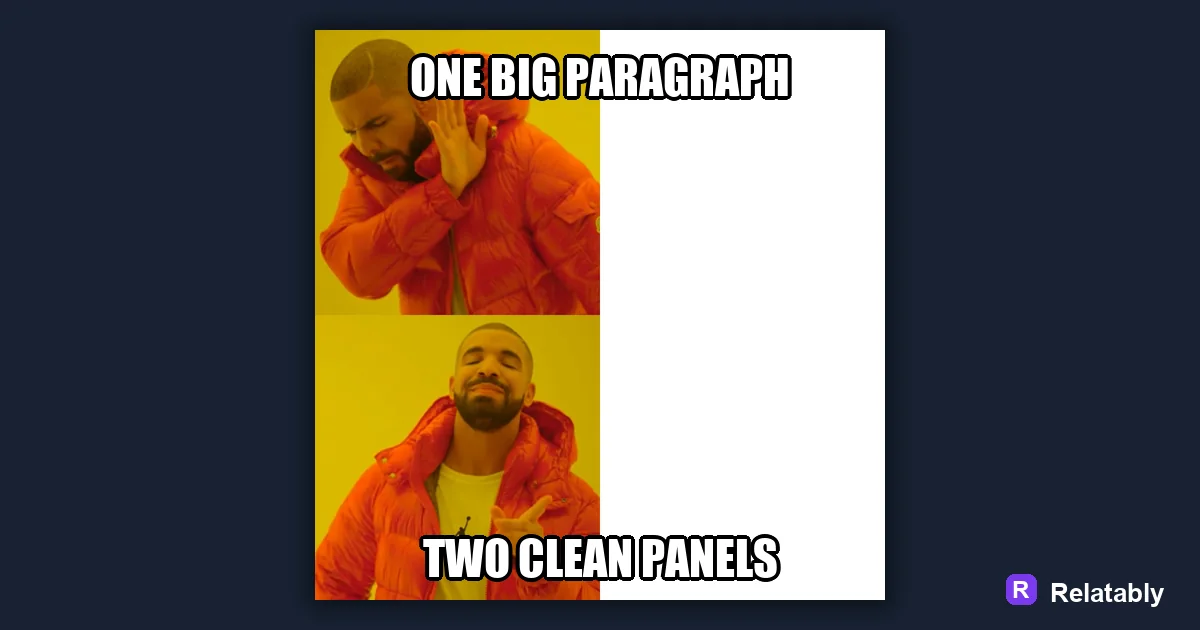
How to use the two panel format for comparisons.
On this page
A two panel meme stacks two related images or moments so the second one pays off the first. Pick a clear setup and punchline, line both panels up, then add short text to each half.
What the two panel format actually does
A two panel meme is built on a simple trick. The top panel sets up an idea, and the bottom panel twists it. Your brain reads them as one joke, even though there are two pictures.
This is different from a single image with top and bottom text. Here, each panel carries its own picture, so the contrast is visual, not just written. That makes the format great for before and after, expectation versus reality, and reaction switches.
Because the format is so flexible, it shows up everywhere from gym jokes to study memes. Once you learn to see life in setup and payoff pairs, you will spot two panel ideas all day long.
Picking two images that talk to each other
The whole joke lives in the gap between your two panels. If both pictures feel random, readers get confused instead of laughing. Pick images where the second one answers the first.
Strong pairs usually share a person, a setting, or a mood that flips. Think calm face then panic face, or a tidy desk then a messy desk.
If you are stuck, start from the punchline. Decide what the bottom panel should make people feel, then hunt for a top image that makes that feeling land harder by contrast.
- Same character, two emotions
- Same place, two times of day
- A plan in panel one, the reality in panel two
- A question on top, a blunt answer on bottom
- A confident pose, then a fail
Stacking your panels straight and even
Most two panel memes stack the images top and bottom, but you can also place them side by side. The key is that both panels are the same width so nothing looks crooked.
Keep a thin border or a small gap between the two panels. That little line tells the eye where one moment ends and the next begins. In the Meme Generator you can drop both images into a two panel layout and they snap into place.
Watch the crop on each panel too. If one image is zoomed in tight and the other is wide, the pair can feel mismatched. Crop both to a similar framing so the eye glides from top to bottom.
Writing one line per panel
Each panel should get a single short caption. Long sentences crowd the image and slow the joke down. Aim for a label on top and a payoff on the bottom.
Read the two captions out loud as a pair. If the bottom line still lands without the top line, your setup is too weak.
Sometimes the strongest move is to label only one panel and let the other image speak for itself. Try it both ways and keep the version that reads faster.
| Panel | Job | Caption length |
|---|---|---|
| Top | Set up the idea | 2 to 6 words |
| Bottom | Deliver the twist | 2 to 8 words |
| Both | Read as one beat | Keep it tight |
Where readers stall on a two panel joke
Most failed two panel memes break in the same few spots. Knowing them ahead of time saves you a reshoot.
The biggest issue is panels that are too similar. If nothing changes between top and bottom, there is no joke. The second common slip is a caption so long it buries the image.
Fixing these is quick once you spot them. Swap one panel for a stronger reaction, or trim the caption down to the fewest words that still carry the twist.
Why two panel memes fall flat
Quick checks before you post a two panel meme
Run a short review before you share. A two panel meme is easy to fix while you are still in the editor and hard to fix once it is live.
If a friend can read both panels in under three seconds and smile, you are done.
- Both panels are the same width
- Top sets up, bottom pays off
- Each caption fits on one or two lines
- Text does not cover faces
- The flip is obvious at a glance
To go deeper, read meme template guide, how to make a top and bottom text meme, make a meme, and make a comparison meme.
Best template direction for this meme
Panel templates are strongest for before-and-after, expectation-versus-reality, and short sequences.
| Decision | Recommendation |
|---|---|
| Start with | Panels |
| Caption length | One short setup line, plus a payoff only if the format needs it. |
| Editor move | Open a blank template, add text boxes, then drag captions away from faces and key details. |
- Browse the template category before writing the final caption.
- Test one literal caption and one exaggerated caption; keep the faster one.
- Export and check the meme at phone size before posting.