
Designing a Pinterest Quote Pin People Save
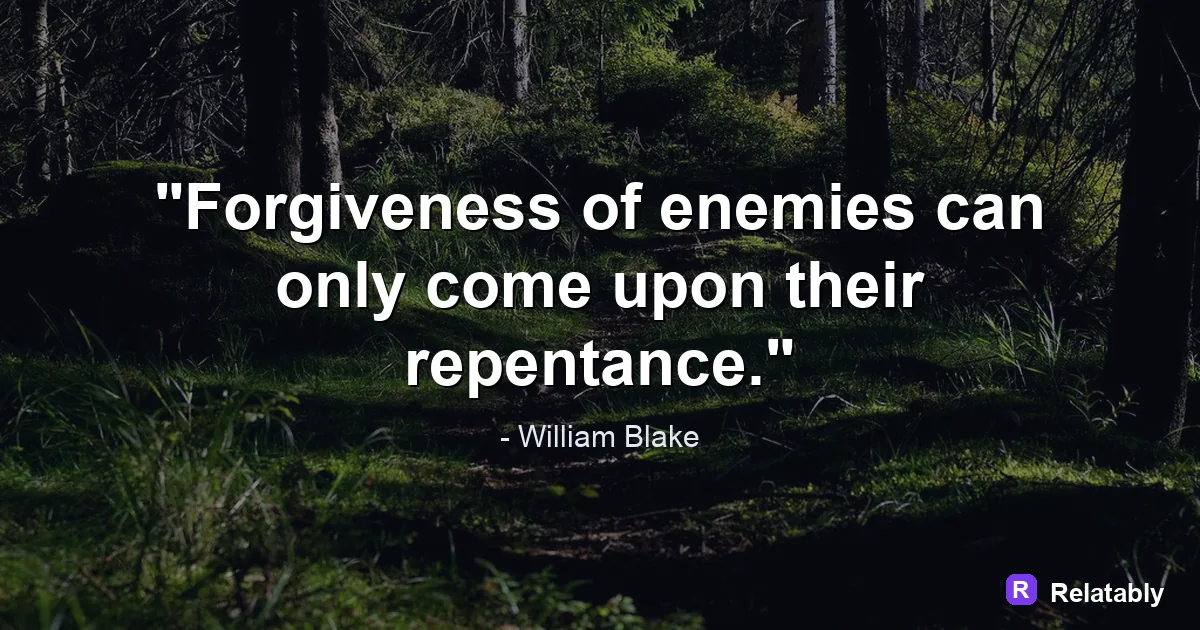
How to size and design a quote pin so it takes up more space in the Pinterest feed.
On this page
- Why vertical shape wins on Pinterest
- Sizing your quote pin the right way
- Writing a quote that earns the save
- Making text readable on a thumbnail
- Adding a title and description that get clicks
- Keeping a consistent look across your pins
- Designing your pin without any software
- Pinterest pin sizes and limits at a glance
- FAQ
A Pinterest quote pin should be tall, vertical, and easy to read on a small phone. Use a 2 by 3 shape, big clear text, and a title that hints at a click.
Why vertical shape wins on Pinterest
Pinterest is built for tall images. The feed scrolls down in narrow columns, so a vertical pin fills more screen and stops more thumbs than a square. The shape itself is part of how a pin performs.
People also browse Pinterest mostly on their phones, where the screen is tall and narrow. A vertical quote pin matches that screen, while a wide or square image leaves empty bands and feels smaller.
A 1000 by 1500 pixel size, which is a 2 by 3 ratio, is the safe choice. Going taller can get your pin cut off, and going square makes it shrink in the feed.
Because the feed is so narrow, the difference between a square and a tall pin is large. A vertical quote pin can take up nearly twice the height, which gives a reader more time to notice it as they scroll.
Sizing your quote pin the right way
Stick to standard pin sizes so your text never gets cropped. The table below lists the shapes that display cleanly across the app.
Whatever size you choose, keep the most important words away from the very top and bottom edges, where labels and overlays can sit.
| Pin type | Pixels | Ratio |
|---|---|---|
| Standard pin | 1000 x 1500 | 2 by 3 |
| Tall pin | 1000 x 2100 | Long |
| Square pin | 1000 x 1000 | 1 by 1 |
Writing a quote that earns the save
People save pins they want to come back to. A quote that feels useful or comforting gets saved more than a random thought. Try a line like Plan the week you actually want.
Saves matter because each one spreads your pin to new feeds. So write for the kind of board people keep, not just for a quick read.
Making text readable on a thumbnail
Most people see your pin small before they ever tap it. That means large text and high contrast are not optional. Thin gray text on a busy photo disappears at thumbnail size.
Set your quote big, give it a clear background or a dark overlay, and test by shrinking the image on your screen. If you cannot read it small, neither can they.
Where pin engagement comes from
Adding a title and description that get clicks
Pinterest shows a title under your pin and uses your description for search. Both should describe what the pin offers in plain words, like Calm morning routine quotes.
Use the words people actually search. A clear, honest title beats a clever one because it helps the right viewers find and save your pin.
- Put the main idea in the first few words
- Use search words people really type
- Keep the title under about 40 characters
- Match the description to the quote on the pin
- Skip hashtags stuffed in a row
Keeping a consistent look across your pins
Pinterest rewards creators whose pins look like they belong together. When every quote pin shares the same fonts and colors, people start to recognize your work as they scroll.
Pick a small set of background colors and one or two fonts, then reuse them. This is not about being boring. It builds a quiet brand that makes your boards feel planned rather than random.
A simple way to do this is to save your favorite settings and apply them to each new pin. Over time your feed looks polished, and polished pins tend to earn more saves.
Designing your pin without any software
You can build a pin right in your browser. Open the Quote Maker, set a tall 2 by 3 canvas, and type your quote in large, high contrast text.
Pick a calm background that fits the mood, keep wide margins, and export at full size. Then upload it and add your title and description before you post.
Save a copy of the design so you can swap in new quotes later. Reusing one strong layout keeps your pins consistent and saves you time on every future post.
Pinterest pin sizes and limits at a glance
Pinterest rewards tall pins, so the ratio matters more here than on any other platform.
The feed displays pins at the 2:3 ratio, so a pin taller than 1000 x 2100 can be cut off in the grid. Put the key line in the upper two thirds so it shows even before someone taps in.
| Setting | Value |
|---|---|
| Standard pin | 1000 x 1500 pixels (2:3) |
| Taller pin | 1000 x 2100 pixels |
| Title limit | 100 characters |
| Description limit | 500 characters |
| Max file size | 20 MB |
| File types | PNG and JPG |
To go deeper, read Instagram quote posts, Facebook quote posts, make a quote image, and quote wallpapers.
Pinterest publishing checklist
Use this quick check before exporting so the design works in the place it will actually be posted.
| Decision | Recommendation |
|---|---|
| Recommended size | 1000 x 1500 |
| Safe-zone check | Use tall composition, big type, and a title-like line that makes the pin worth saving. |
| Export check | Preview the image at phone size and make sure the smallest text is still readable. |
- Keep the quote or meme text inside the safest central part of the canvas.
- Use PNG when text crispness matters most, or WebP when file size matters more.
- Write supporting post copy only after the image reads clearly on its own.