
Creating a Quote Image That Fits X (Twitter)
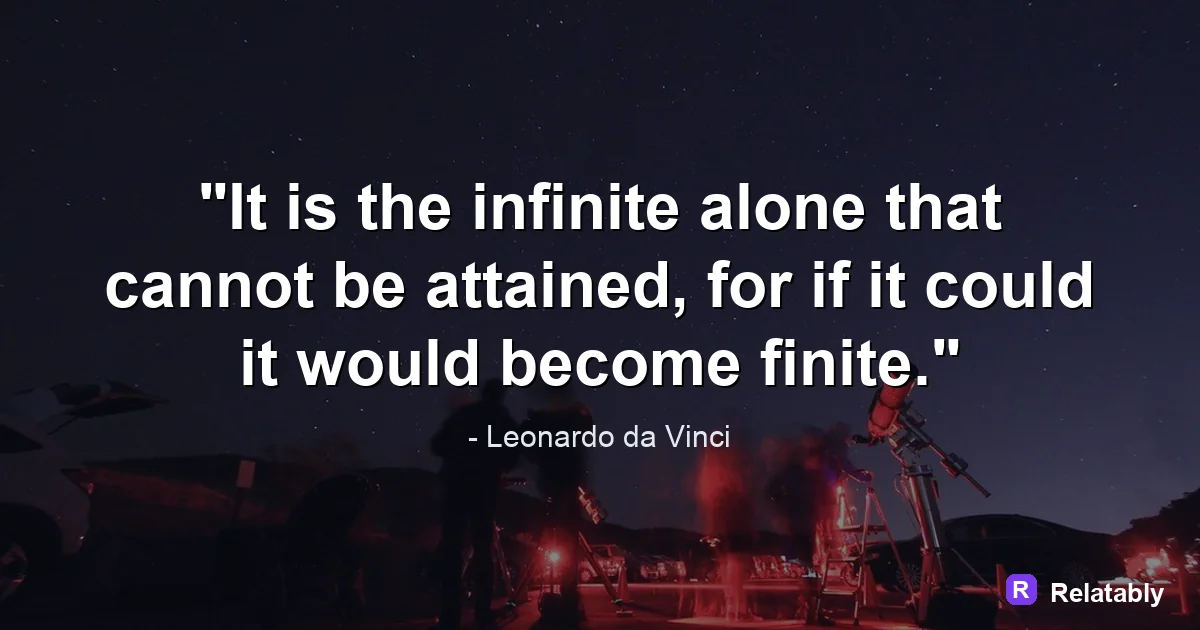
How to size a quote image so it looks sharp in the X timeline.
On this page
Make a quote image for X at 1600 by 900 pixels (a 16:9 landscape) so it shows fully in the timeline without an awkward crop. Keep your words centered, export a PNG, and check how it previews before you post.
Build a 16:9 landscape so X shows it whole
X crops images in the timeline. To avoid a chopped preview, build a landscape image at 1600 by 900 pixels, which is the 16:9 shape X displays most reliably without cutting the middle.
A square or tall image often gets cropped to a wide strip in the feed. Starting wide means what people see in the timeline is exactly what you designed.
This matters more on X than on most platforms because the feed is built around fast scanning. People decide in a moment whether to stop. A clean, uncropped quote card gives you the best shot at that pause.
Center the quote inside the timeline crop
Even with a 16:9 image, X may trim a sliver from the top or bottom in some views. Keep your quote in the center with breathing room around it.
Leave about 80 pixels of margin on every side. A centered quote survives the timeline crop and still looks balanced when someone taps to open it full size.
| Image shape | Pixels | Timeline result |
|---|---|---|
| Landscape 16:9 | 1600 x 900 | Shows whole |
| Square 1:1 | 1080 x 1080 | Cropped to strip |
| Portrait 4:5 | 1080 x 1350 | Heavily cropped |
Set type big for a small timeline card
On X, your image card shows fairly small until tapped. Thin or tiny text turns to mush. Use a bold, large quote that reads at card size, not just when opened.
Keep the quote short. X is a fast, text heavy feed, so a punchy one or two line quote competes better than a long passage squeezed into a wide box.
Because the timeline is already full of plain text posts, your image has to look clearly different to earn a stop. A bold quote on a clean background reads as a designed card, not just another line of text scrolling by.
- Use bold weight so text holds up small
- Keep the quote to one or two short lines
- High contrast between text and background
- Add a small handle or credit in a corner
Pair the image with the post text
On X the words in your post and the words in your image work together. Do not repeat the quote in both. Put the quote in the image and use the post text to add a thought or a question.
This gives readers two reasons to stop. The image delivers the line, and the post text invites a reply, which lifts the post in the feed.
Replies and reposts carry a quote further on X than likes alone. A short, open question in the post text, paired with the quote in the image, is a simple way to spark that conversation.
Build the X image in a few steps
You do not need editing software for this. The Quote Maker includes a wide landscape canvas, so you type the quote, center it, and add a small credit.
Pick a simple background with strong contrast so the bold text reads at card size. Then export and you are set.
- Choose the 1600 by 900 landscape size
- Type a short, bold quote
- Center it with margin on all sides
- Add a corner handle or credit
- Export a PNG
Preview the card before you hit post
X compresses uploads, which can soften text. Export a PNG for the cleanest letters and avoid heavy photo backgrounds that compress poorly.
Before posting, look at how the card previews in the compose box. If the crop hides part of your quote, recenter and try again.
It is worth one extra look on a phone, since most people read X on mobile. What looks fine on a wide desktop card can feel cramped on a narrow screen. A quick mobile check catches the small problems before they go live.
Share of quote visible after timeline crop (percent)
X image sizes and limits at a glance
X (Twitter) displays images wide, so a 16:9 canvas is the safe default for a quote.
The timeline crops tall images toward a 16:9 preview, so a portrait quote can lose its top and bottom until someone taps it. Build for 16:9 and your full quote shows in the feed.
| Setting | Value |
|---|---|
| Best timeline size | 1600 x 900 pixels (16:9) |
| Square option | 1080 x 1080 pixels (1:1) |
| Max dimensions | 4096 x 4096 pixels |
| Max file size | 5 MB for images |
| Post text limit | 280 characters for most accounts |
| File types | JPG, PNG, and GIF |
To go deeper, read make an instagram quote post, how to make a pinterest quote pin, how to make a quote image, and make a linkedin quote image.
X publishing checklist
Use this quick check before exporting so the design works in the place it will actually be posted.
| Decision | Recommendation |
|---|---|
| Recommended size | 1600 x 900 |
| Safe-zone check | Center the quote so the timeline crop does not hide the main idea. |
| Export check | Preview the image at phone size and make sure the smallest text is still readable. |
- Keep the quote or meme text inside the safest central part of the canvas.
- Use PNG when text crispness matters most, or WebP when file size matters more.
- Write supporting post copy only after the image reads clearly on its own.