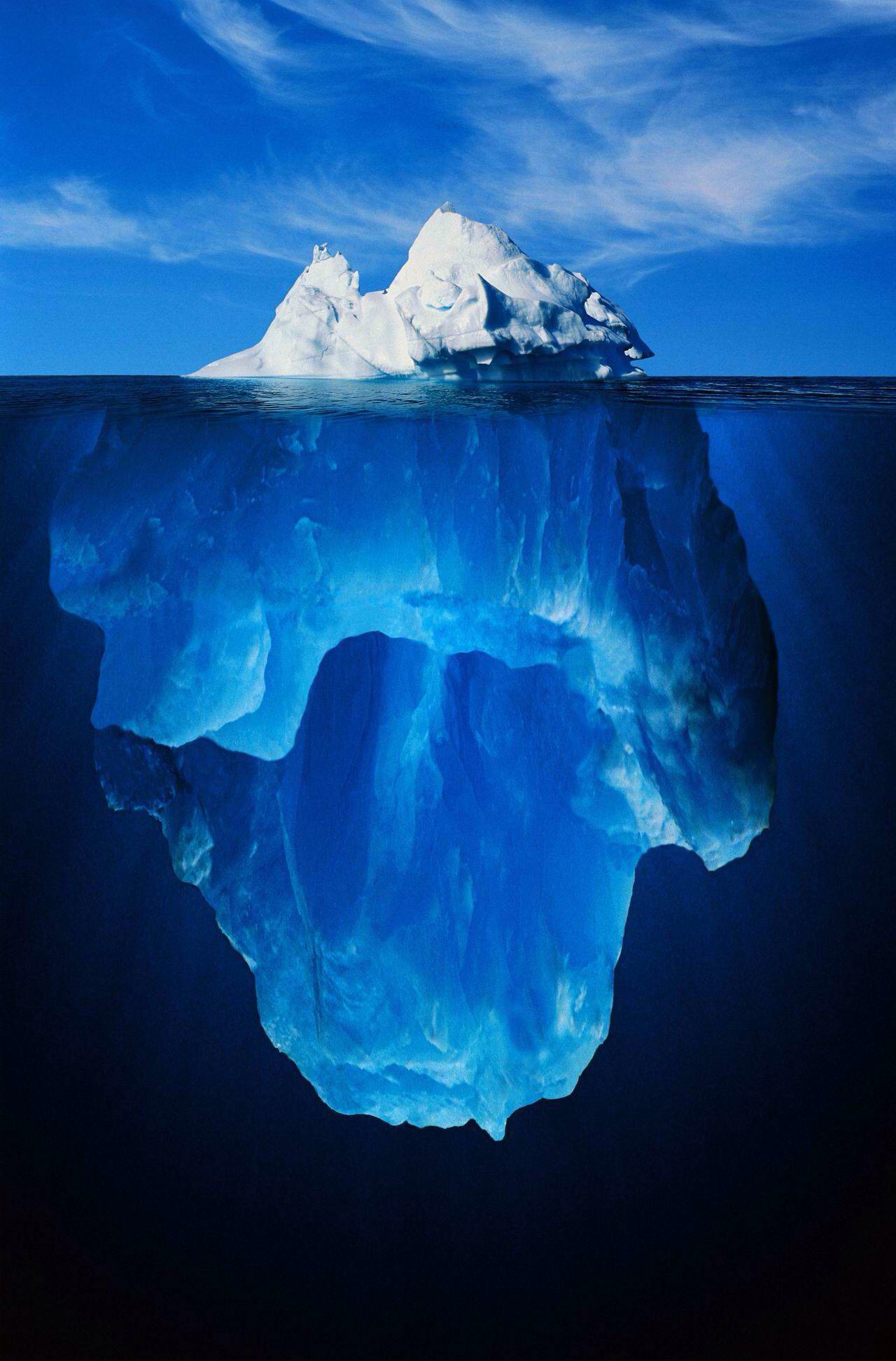
Caption the Iceberg Meme Template
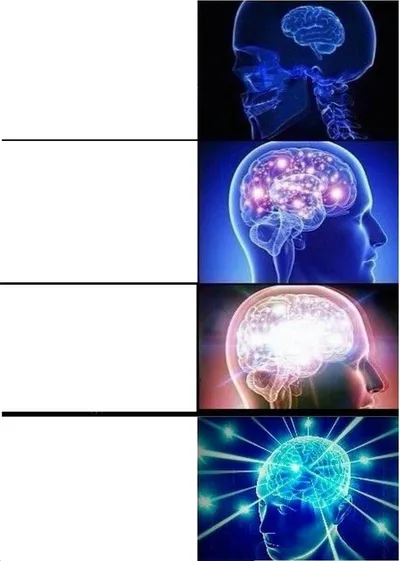
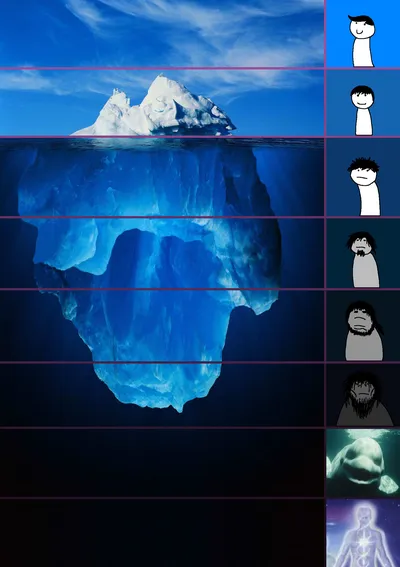
The iceberg meme uses the visual metaphor of an iceberg to rank topics from mainstream and well-known at the tip to increasingly obscure, disturbing, or esoteric near the bottom. It is used to illustrate how deep a rabbit hole goes on any given subject.
Caption this template- Category
- Panel Meme Templates
- Size
- 1280 x 1944 px
- Format
- Image
- Price
- Free, no sign up
Where the Iceberg meme comes from
The iceberg diagram format has roots in educational infographics but became a widespread internet meme format around 2019-2020, when communities on Reddit and YouTube began applying it to video games, TV shows, conspiracy theories, and niche hobbies.
How to caption the Iceberg meme
Fill the top visible section with commonly known or surface-level facts about a topic, then place progressively more obscure or unsettling entries deeper underwater. Caption the whole image with the topic name to signal what rabbit hole viewers are about to fall into. Open it in the meme generator, or read the two-panel meme guide for more.
Iceberg caption ideas
Need a starting point? Try one of these on the Iceberg template, then make it your own in the meme generator.
- Tip: 'I should drink more water.' / Middle: tracking it in three apps. / Bottom: arguing about electrolyte ratios on a forum at 3 AM.
- Tip: 'this game has good graphics.' / Middle: frame-pacing analysis. / Bottom: the cut content datamined from the 2009 demo build.
- Tip: 'I like coffee.' / Middle: pour-over and bean origins. / Bottom: weighing grounds to the 0.1 gram with a $400 grinder.
- Tip: 'the printer is broken again.' / Middle: the driver conflict. / Bottom: the cursed office printer that has terrorized three buildings since 2011.
- Tip: 'I want to eat healthier.' / Middle: meal prep Sundays. / Bottom: a color-coded macro spreadsheet older than some of my coworkers.
Best uses for the Iceberg template
Use the Iceberg template when the joke fits a panel format and the image can explain the feeling before the reader finishes the caption. It is strongest for short sequences, escalating ideas, and two-step reveals.
This blank is 1280 x 1944 px and is a still image, so place the most important words where they stay readable after a feed crop. The tall frame gives you room for a short setup near the top and a payoff below the main subject.
The sample captions are more detailed, so trim aggressively before posting on small screens. Before exporting, read the caption once without looking at the image; if it still needs a long explanation, switch to a simpler setup or a more obvious related template.
Caption patterns to try
| Pattern | Why it works |
|---|---|
| Tip: 'I should drink more water.' / Middle: tracking it in three apps. / Bottom: arguing about electrolyte ratios on a forum at 3 AM. | This works because it gives the reader a specific situation instead of a vague label. |
| Tip: 'this game has good graphics.' / Middle: frame-pacing analysis. / Bottom: the cut content datamined from the 2009 demo build. | This pattern keeps the setup concrete, which helps the template carry the reaction. |
| Tip: 'I like coffee.' / Middle: pour-over and bean origins. / Bottom: weighing grounds to the 0.1 gram with a $400 grinder. | This is a useful direction when you want the punchline to feel personal or self-aware. |
Common mistakes with this blank
- Writing a caption that explains the whole joke instead of letting the Iceberg image do part of the work.
- Placing text over the most expressive part of the image, especially faces, gestures, signs, or the main action.
- Using three different ideas in one meme. This template works better when it points at one clear situation.
- Exporting before checking the meme at phone size. If the smallest words blur together, shorten the caption first.