
Meme Mistakes That Kill the Joke, and How to Fix Them
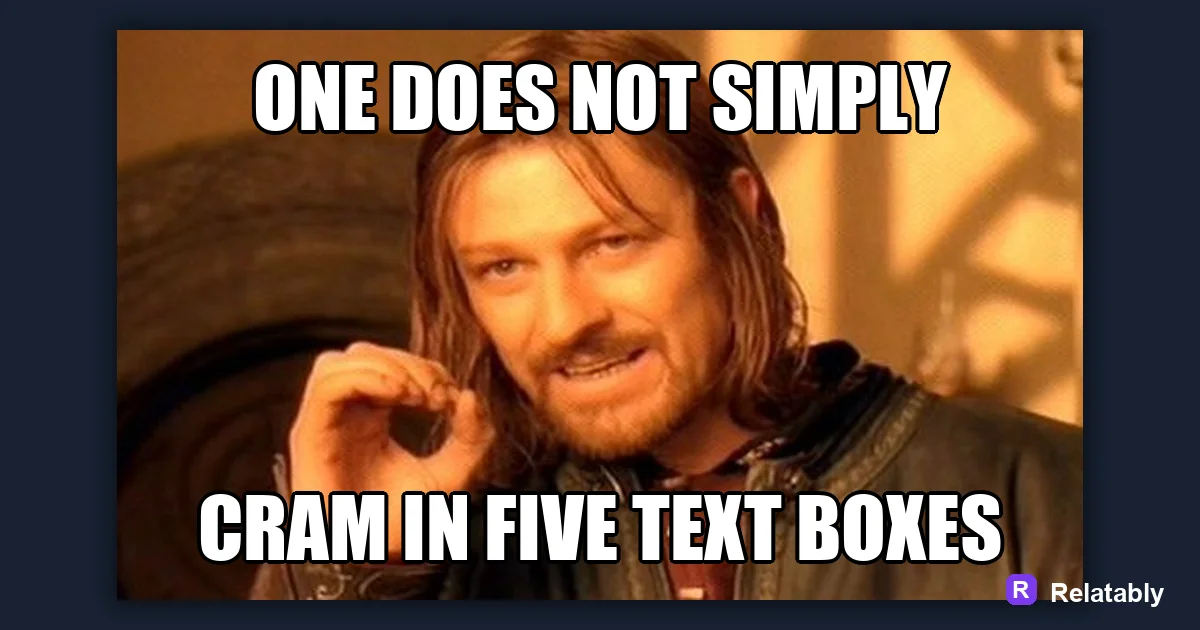
A short checklist of what makes a meme miss and how to fix it.
On this page
The biggest meme mistakes are unreadable text, jokes that take too long to land, and captions that explain themselves instead of trusting the image. Fixing readability and timing turns a flat meme into a shareable one.
Why low-contrast text kills a joke before it lands
If people cannot read your caption in one glance, they scroll past. Light text on a light photo, or no outline at all, is the number one reason a meme flops. The joke might be great, but nobody ever finds out.
Add a black outline or shadow to white text every single time. This one habit fixes more failed memes than any clever wording, and it costs you nothing to do.
The chart shows how much a single fixable error can drag down sharing. Readability sits at the very bottom for a reason.
Share rate impact of common meme errors
Cramming too many words into one panel
A meme is not an essay. When you stuff three sentences into a caption, the eye gives up and the joke dies in the buildup. People came to laugh, not to read a wall of text.
Cut every word that is not doing a job. The shorter the setup, the faster the laugh, and the more room the image has to do its part.
If you cannot trim it down, the idea may need a second panel instead of a longer caption. Split the thought rather than crowd it.
- Trim filler words like just, really, and very
- Keep the top line short and let the image carry weight
- Aim for a setup and a punchline, not a paragraph
- Read it out loud and cut anything you stumble over
Stretching an image until faces warp
Dragging a photo to fit a frame squishes faces and makes the whole meme look amateur. Viewers notice even when they cannot name what feels off, and that small wrongness makes them trust the post less.
Resize while holding proportions, or pick a template already sized for your platform. A clean image earns more trust than a stretched one, and trust is what gets a meme passed along.
If a photo does not fit the frame, crop it instead of stretching it. Cropping keeps the proportions honest while still filling the space.
Posting the wrong meme size for the platform
A meme built for a wide screen gets cropped on a phone feed, sometimes cutting off the punchline. Each platform frames images differently, and a shape that looks fine in your editor can lose its edges in the feed.
Knowing the right shape before you export saves you from chopped captions and awkward white bars. It is far easier to size correctly up front than to fix a cropped post after it has gone out.
The table covers the spots where size mistakes bite most often.
| Platform | Common mistake | Quick fix |
|---|---|---|
| Instagram feed | Wide image gets cropped | Use a square or 4:5 frame |
| Stories | Text near edges hidden | Keep captions centered |
| X timeline | Tall meme cut short | Favor landscape or square |
Reusing a dead template no one finds funny
Some formats burn out. Leaning on a template that peaked two years ago makes a meme feel stale even when the joke is solid, and a stale format quietly tells people the post is behind the times.
Watch what is circulating now and adapt the joke to a fresher frame. You can swap in a current template in the Meme Generator and keep your wording, which is the fastest way to stay relevant.
You do not need to chase every trend, but you should know which ones are dead. Retiring a worn-out format is as important as picking a hot one.
Explaining the joke instead of trusting it
The fastest way to flatten a meme is to spell out why it is funny. If the caption ends with a clarification, the humor leaks out, because the surprise of getting it is half the joy.
Trust your audience to connect the dots. A meme that respects the viewer's intelligence gets shared far more than one that over-explains, since people love feeling in on something.
When you feel the urge to add a final explaining line, delete it instead. The gap you leave is where the laugh lives.
To go deeper, read the best meme fonts, write meme captions, how to make a meme, and how to make a meme fast.
Turn the idea into a finished meme
Use the template library as a creative constraint: pick the format first, then write the caption to fit that format.
| Decision | Recommendation |
|---|---|
| Template choice | Reaction, comparison, panel, classic, or blank utility |
| Caption test | Can someone understand the setup in under two seconds? |
| Final check | Does the image still work if the caption is read on a small screen? |
- Use a recognizable blank when speed matters.
- Use your own photo when the specific moment is more important than the format.
- Cut any caption word that explains what the image already shows.