
Adding Text to a Meme, Step by Step
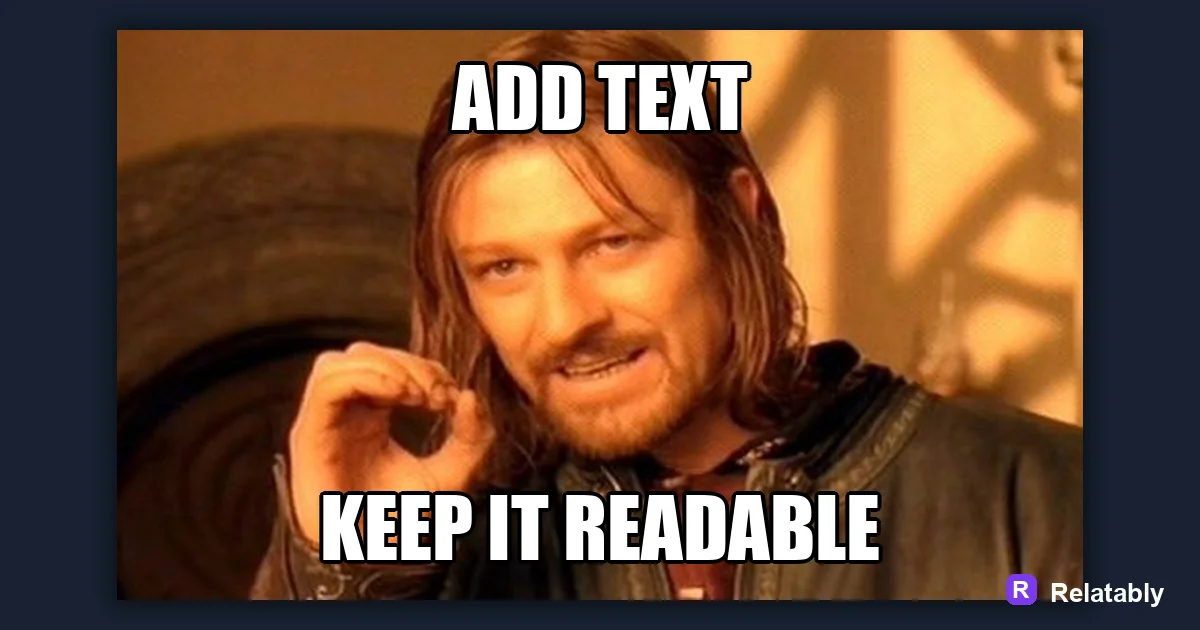
How to add readable text to any meme image.
On this page
To add text to a meme, upload your image, type your caption into a text box, then position it at the top or bottom with a bold font and a dark outline. Keep the wording short so it reads in one glance.
Loading your image and placing the first text box
Start by uploading the photo or template you want to caption. Once it loads, you add a text box and drag it where you want the words to sit, which gives you full control over the layout.
Most memes use a box near the top and another near the bottom, but you can place text anywhere the image leaves room. Look for empty or plain areas where words will not cover an important part of the picture.
You can add more than two boxes if your joke needs it. Each box moves on its own, so you are free to build whatever layout the image calls for.
Choosing a font that survives small screens
Pick a bold typeface so the letters stay solid when the image shrinks in a feed. Thin fonts break apart and get hard to read, especially once a platform compresses your image.
Impact is the classic pick, but any heavy sans-serif works. Avoid script and decorative fonts for the main caption, since their fine details disappear at small sizes.
Whatever you choose, keep the same font for both the top and bottom text. Mixing fonts in one meme usually looks like an accident rather than a choice.
Why the outline keeps text readable on any photo
A black outline around white text is the trick that makes captions readable over both bright skies and dark shadows. Without it, words vanish into matching colors and your joke goes unread.
If your tool offers a shadow instead, that works too. The goal is always contrast between the letters and whatever sits behind them, so the text never blends in.
The chart shows how legibility climbs as you thicken the outline. A thick stroke clears almost any background, while no outline leaves you at the mercy of the photo.
Caption legibility with and without an outline
Sizing and spacing words so nothing gets cut off
Big text grabs attention, but text that runs off the edge loses the joke. Scale it up until it is bold, then pull it back so a margin stays on every side and nothing risks getting cropped.
Break long captions across two lines instead of shrinking everything. Two readable lines beat one tiny cramped line, and the eye handles short rows far more easily.
Watch the spacing between lines as well. Lines that sit too close start to look like one block, while a little gap keeps each line clear.
- Leave a margin so letters never touch the frame edge
- Split long lines rather than shrinking the font
- Keep top and bottom text balanced in size
- Check it at thumbnail scale before you finish
Where each caption should sit on the image
Placement changes how the joke reads. Top text usually sets up the situation, and bottom text delivers the punchline, so the reader meets the parts in the right order.
You can break this pattern on purpose, but it helps to know the default before you bend it. Use the table as a quick guide for common layouts.
For a single-caption meme, one box of text is often enough. Leaving the other position empty can make the joke feel cleaner and more confident.
| Layout | Top text | Bottom text |
|---|---|---|
| Classic meme | Setup line | Punchline |
| Reaction | Situation | The reaction or none |
| Single caption | Full joke | Leave empty |
Exporting clean text without blurry edges
When you save from the Meme Generator, choose a format that keeps text crisp. Heavy compression can fuzz the edges of your letters and undo all your outline work.
Export at full resolution and let the platform handle resizing. Sharp text is what makes the caption read as professional instead of slapped together, even when the joke is silly.
Before you post, zoom in on the saved image and check the letter edges. If they look clean there, they will hold up once the meme starts traveling.
To go deeper, read the best meme fonts, how to write meme captions, making a meme, and meme caption ideas.
Turn the idea into a finished meme
Use the template library as a creative constraint: pick the format first, then write the caption to fit that format.
| Decision | Recommendation |
|---|---|
| Template choice | Reaction, comparison, panel, classic, or blank utility |
| Caption test | Can someone understand the setup in under two seconds? |
| Final check | Does the image still work if the caption is read on a small screen? |
- Use a recognizable blank when speed matters.
- Use your own photo when the specific moment is more important than the format.
- Cut any caption word that explains what the image already shows.