
Writing a Meme Caption That Gets the Laugh
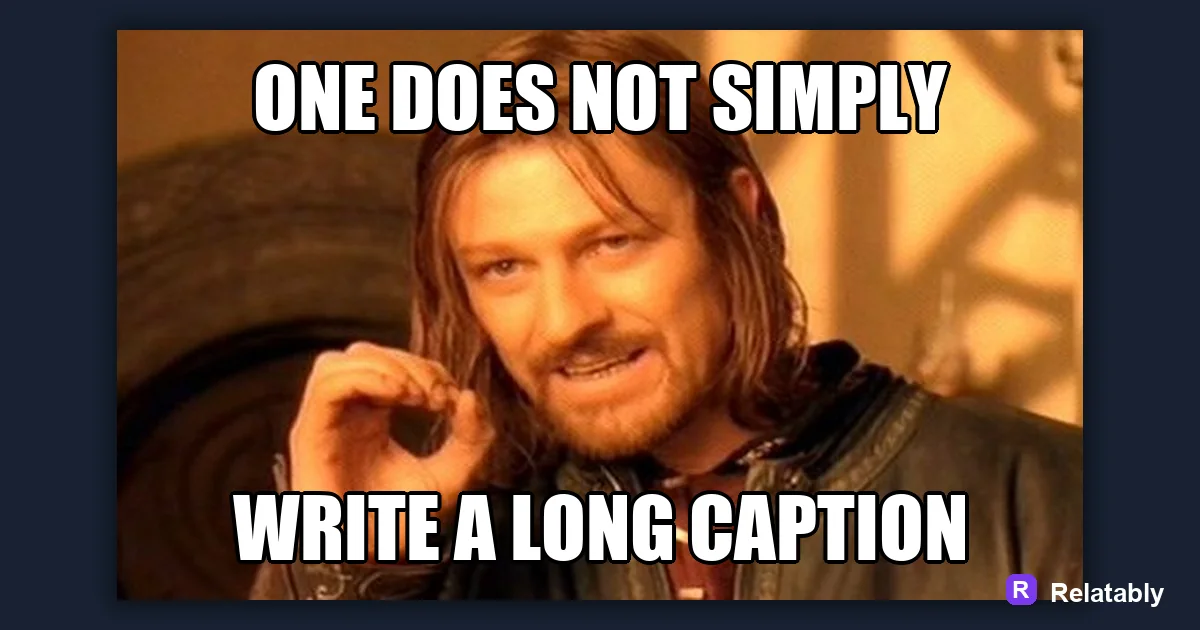
A few rules for writing the text that makes a meme work.
On this page
To write a meme caption, lead with a clear setup, save the funny twist for the last line, and cut every word that does not earn a laugh. Short, punchy captions read fast and share better.
The setup and punchline order that makes captions land
Every strong meme caption has two parts. The setup tells people what is happening, and the punchline flips it in a way they did not expect. When you swap these around, the joke falls flat because readers see the twist before they understand the scene.
Top text usually carries the setup. Bottom text carries the payoff. If your meme has one caption, put the surprise at the very end so the eye reads the joke last. This is the single most important rule of caption writing.
A good test is to read only the setup and ask if it makes sense on its own. It should set a scene without giving anything away. Then the punchline arrives and changes how you read the whole thing. That gap between what people expect and what they get is where the laugh lives.
Trimming a caption down to its sharpest words
A long caption forces people to stop scrolling and read, and most will not. Your job is to say the same thing with fewer words. Start by writing the full thought, then delete filler like really, just, and basically.
Read it out loud. If you stumble, the line is too heavy. A caption that fits in one breath almost always works better than one that needs two. Tight writing also helps the text fit on the image without shrinking the font, which keeps the meme readable on a phone screen where most people will see it.
- Cut words that do not change the meaning
- Replace long phrases with one strong word
- Keep top text under about 6 words
- Keep bottom text under about 8 words
- End on the funniest word when you can
Writing in a voice your audience already uses
A caption lands when it sounds like something your readers would actually say. If your audience uses casual slang, write casual. If they are coworkers, keep it dry and a little tired. Matching their voice makes the joke feel relatable instead of forced.
Avoid words you would never text a friend. Memes are not press releases. The closer your caption is to real talk, the more people feel like you read their mind.
Listen to how your audience writes in comments and replies. Borrow their rhythm, their slang, and even their typos when it fits. A caption that sounds like an inside voice gets shared because it feels like the reader could have written it themselves.
Caption length and how it changes reading speed
Word count directly affects how fast a meme reads. The chart below shows how readability drops as captions get longer. Shorter is almost always safer for a quick laugh.
How fast a caption reads by word count
Matching the caption to the picture below it
The funniest captions work with the image, not next to it. If the photo shows a tired dog, the caption should sound like that exact level of tired. A mismatch between tone and image kills the joke even when the words are clever.
Before you post, cover the caption and look at the picture alone. Then read the caption alone. If both point to the same feeling, you have a match. When the image already screams an emotion, your caption can be quieter and let the picture do the heavy lifting. When the image is neutral, the words have to carry more weight.
| Image mood | Caption tone that fits |
|---|---|
| Calm or smug face | Dry, understated line |
| Chaotic or messy scene | Frantic, all caps energy |
| Sad or tired subject | Quietly relatable complaint |
| Confident pose | Bold, overconfident claim |
A quick edit pass before you hit post
Once your caption is written, run a final check. Fix spelling, since a typo pulls focus away from the joke. Make sure the text fits the frame and does not cover faces. Then open the Meme Generator to drop your caption onto the image and see it the way your audience will.
Give it five minutes, then read it cold. If it still makes you smile, it is ready. If you have to explain it, rewrite the last line.
To go deeper, read the best meme fonts, add text to a meme, make a meme, and why memes go viral.
Turn the idea into a finished meme
Use the template library as a creative constraint: pick the format first, then write the caption to fit that format.
| Decision | Recommendation |
|---|---|
| Template choice | Reaction, comparison, panel, classic, or blank utility |
| Caption test | Can someone understand the setup in under two seconds? |
| Final check | Does the image still work if the caption is read on a small screen? |
- Use a recognizable blank when speed matters.
- Use your own photo when the specific moment is more important than the format.
- Cut any caption word that explains what the image already shows.